How to Save and Finalise Documents
Scenario
You have written a document but you are not the lead or signing clinician. You want to save and finalise your document, allowing it to then be signed by the specified staff.
Instructions
- From Document Creation, complete the document and ensure the correct Lead Clinician and Signing Clinician are specified.
- Click Save and Finalise.
- The document will now be listed in the Document Signing screen for the specified clinicians.
The document must now be signed by the lead or signing clinician via the Document Signing list before it will be sent to the patient and other recipients.
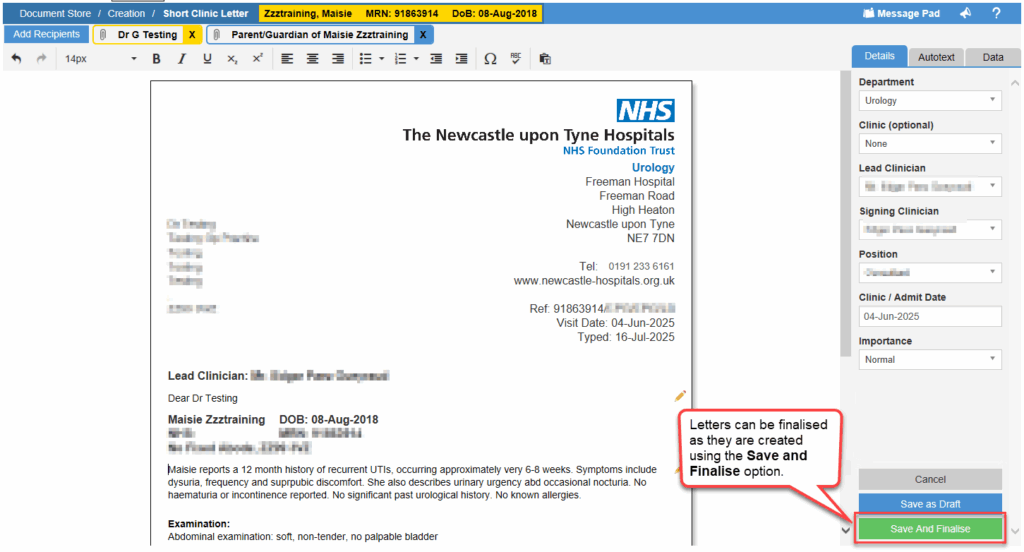
If you have been made a signing clinician in the admin portal you can select yourself as the signing clinician from the right side menu. This will replace the ‘Save and Finalise’ button with ‘Sign and Send’.
