Subscribing to Department News – My profile preferences
Scenario
This guidance shows you how to subscribe to Department updates. Your selected updates will appear as a personalised news feed in the Department updates area on the intranet homepage.
First time set up
Follow these steps when using the new intranet for the first time, or if you have not yet subscribed to any news categories.
- Go to the intranet homepage:intranet.newcastle-hospitals.nhs.uk.
- Scroll down to the Department updates section. This is located below Latest Trust news and above Upcoming events and training.
- Click Personalise my intranet. You will be taken to the My profile preferences page

- Alternatively, you can access this page by clicking the person icon
 in the links menu at the top right of the page.
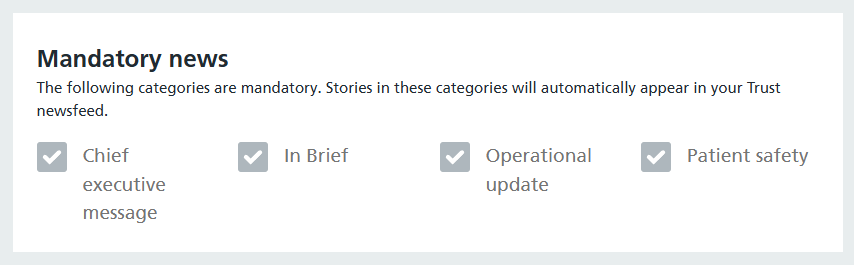
- Mandatory news: These categories cannot be edited because they are mandatory for all Trust staff. Updates from these categories will automatically appear in the news feed on the homepage and in the News section
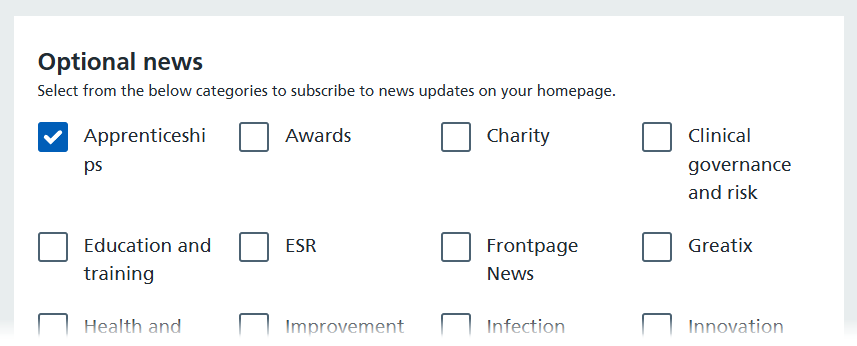
- Optional news: You can choose which optional news updates you would like to receive. Select the checkbox next to each category you want to subscribe to.
- Department news: You can choose which department specific news updates you would like to receive. Select the checkbox next to each category you want to subscribe to.
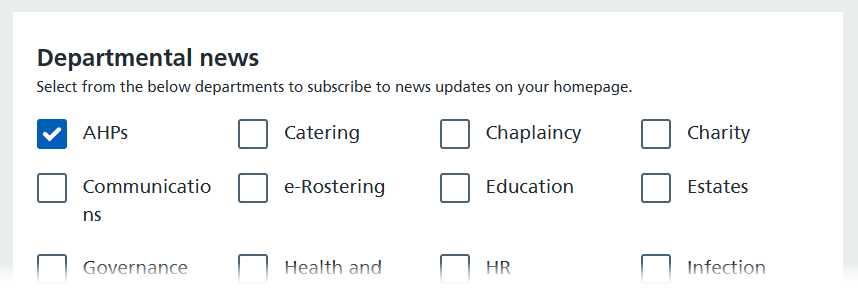
- When an option is selected, a blue tick will display in the white box.
- To save your selections, scroll to the bottom of the page and click Submit.
- Return to the homepage by clicking Home in the top navigation bar.
- Scroll down to Department updates. You will now see news posts from the departments you have subscribed to.
