Share a SharePoint file via email attachment
You need to share one or more documents from your SharePoint page with staff inside and outside the organisation, who don’t have access to your SharePoint page.
Step by step instructions – from your SharePoint page:
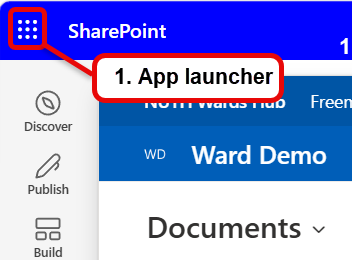
- Top-left of your SharePoint page, click on the 9 dots (app launcher) to the left of SharePoint
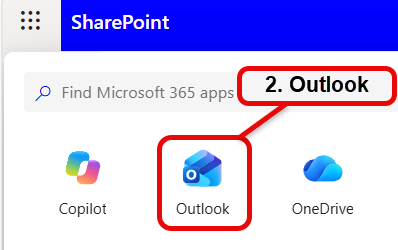
- Select Outlook – this opens Outlook on the web
- From Outlook, select New Mail
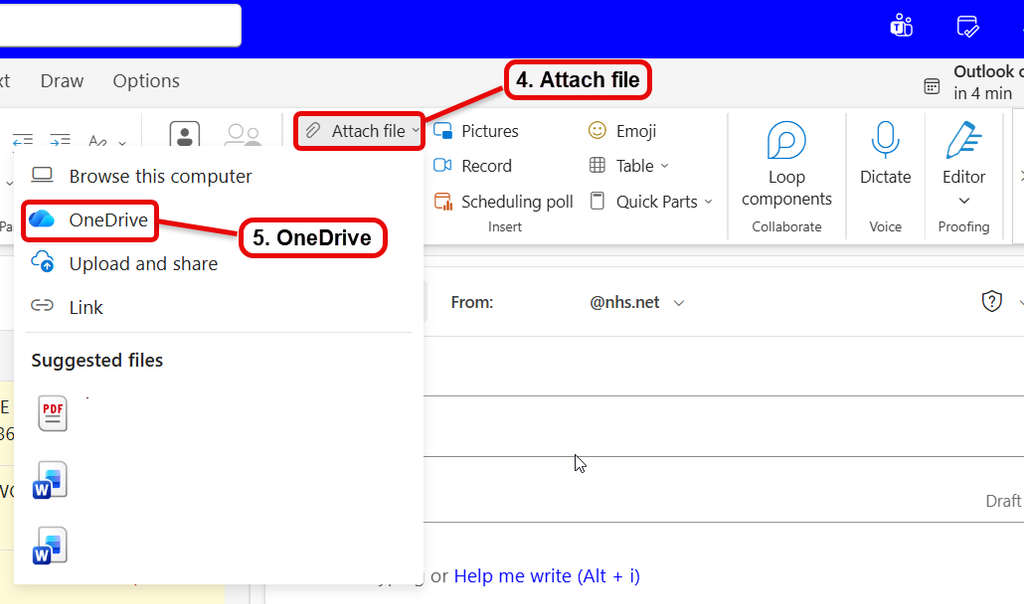
- Select Attach file
- Select OneDrive
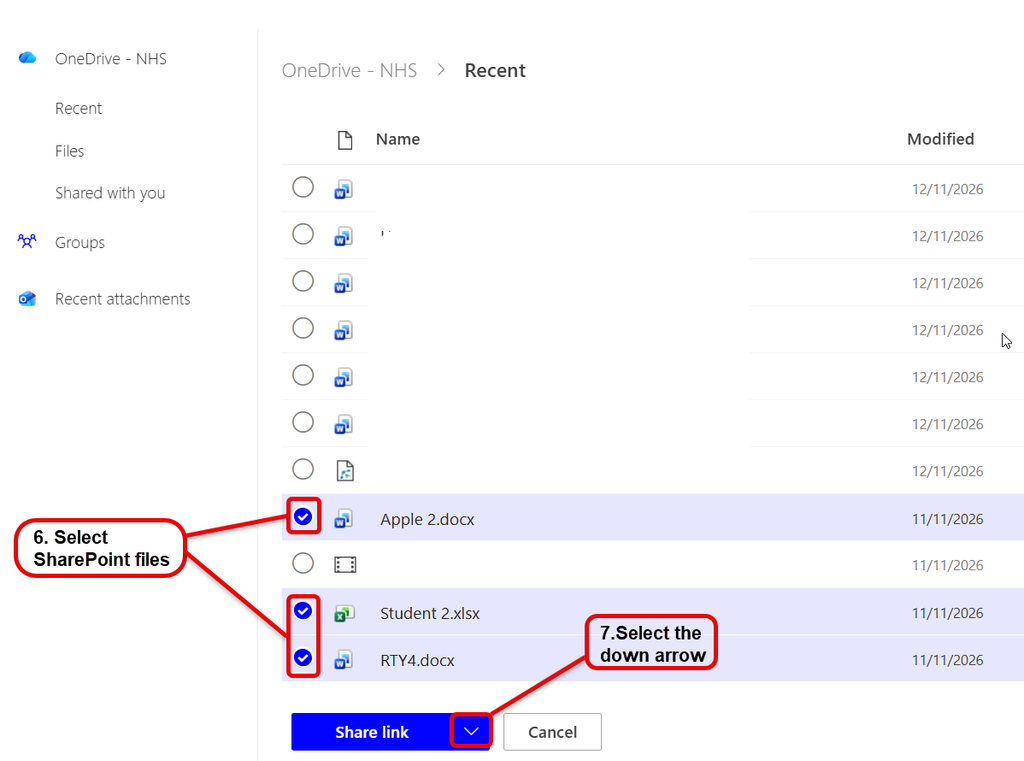
- From the opening window you will by default see the recent documents you have accessed across the 365 product family, select the SharePoint files you want to share – if you don’t see the files then open them from your SharePoint page and close down and then when you open the attach file they should then appear.
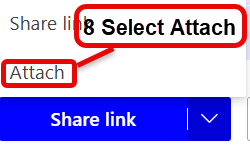
- Select the down arrow to the right of Share link.
- Then select Attach.
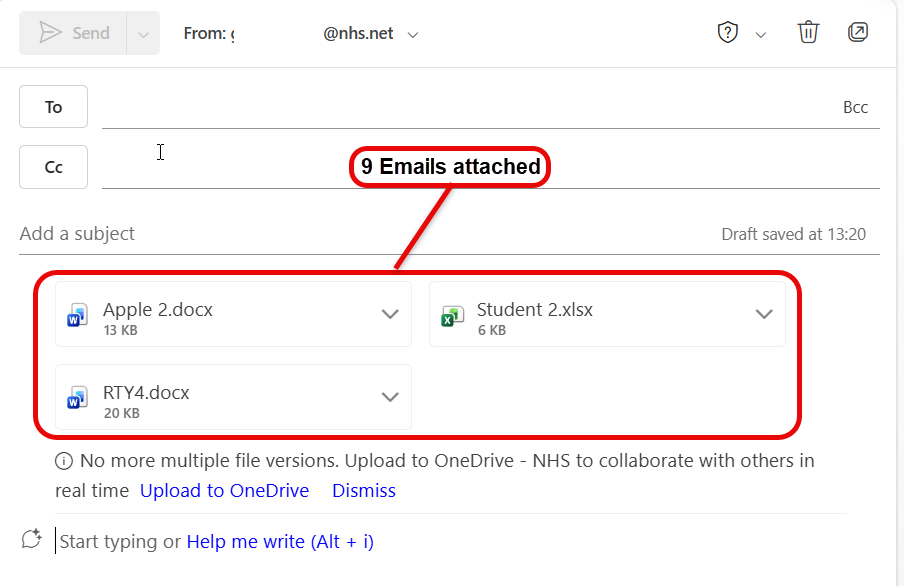
- The files will now be ready to be shared as attachments to people within and outside the organisation – attaching breaks the web link and send copies of the files, therefore receivers won’t have any problems reading the files.