How to Make a Tissue Viability Referral
Scenario
A referral to Tissue Viability is made by placing an order via Requests/ Cares plans or New Order Entry. Reference information is provided during the order process including referral criteria and priority level.
In addition to placing the referral, ward staff should ensure that a digital image is taken of the Wound/Pressure damage relating to referral using the WABA device or via Medical Photography.
Instructions
- Within the order search box, type Tissue Viability.
Example searching via Workflows:
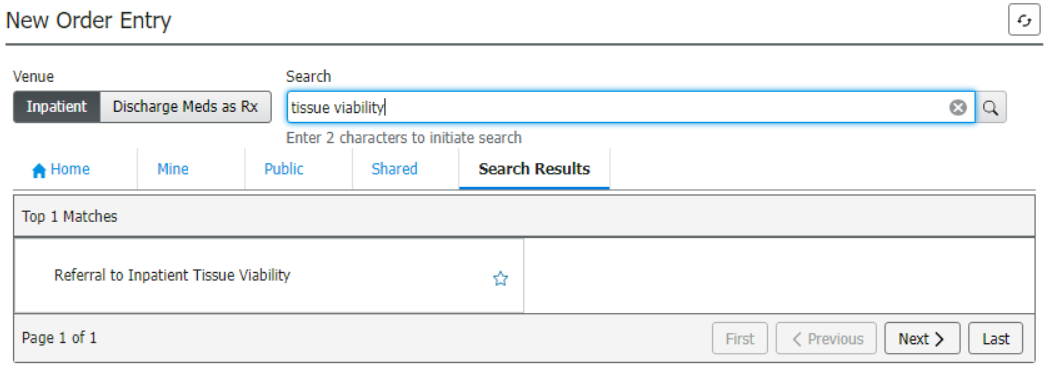
Example searching via Requests/ Care Plans:
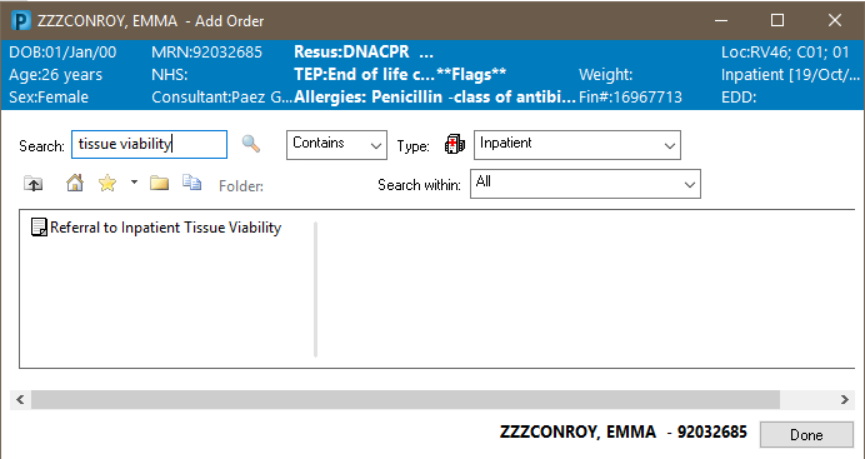
- Click Referral to Inpatient Tissue Viability.
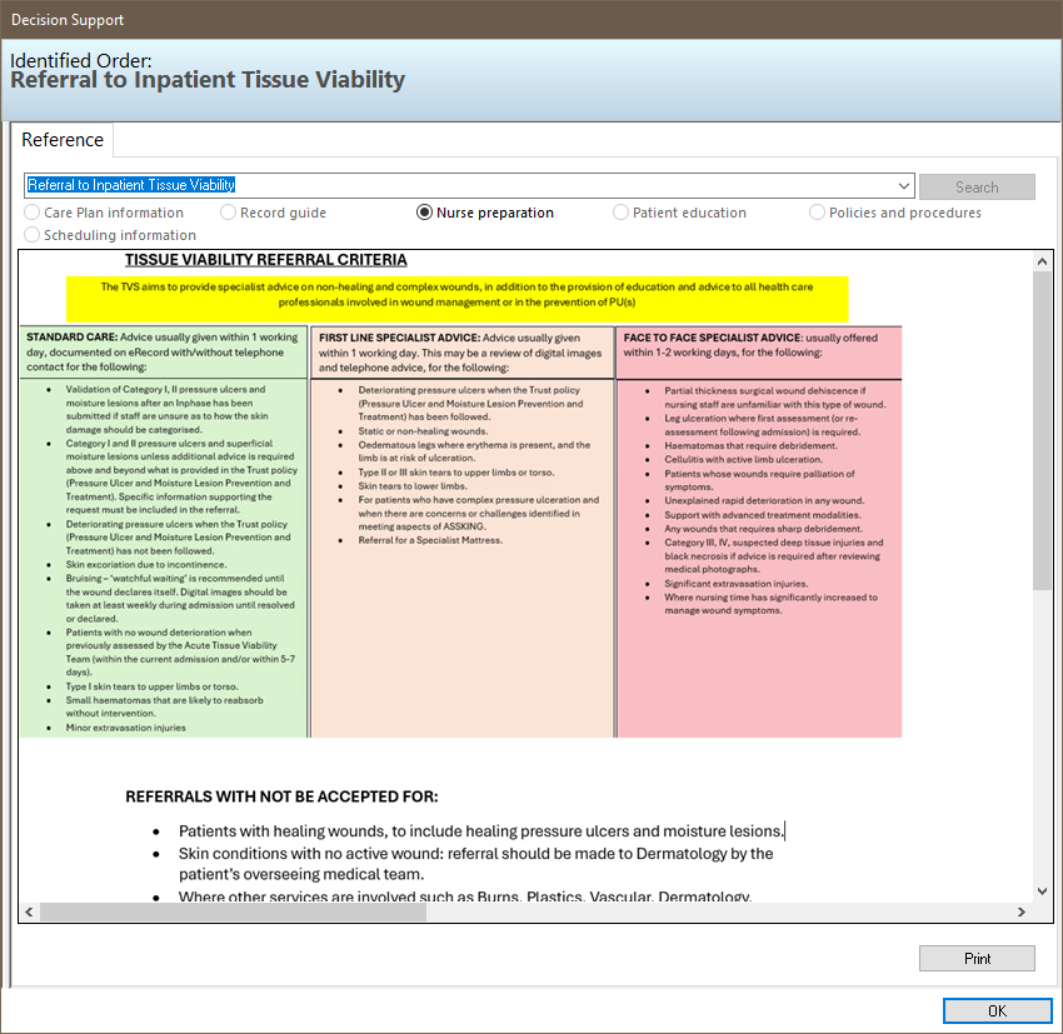
- Tissue Viability Referral Criteria reference information will display. This includes the referral criteria and priority level information. Click OK to continue.
- Proceed to the Orders for Signature screen.
- There are three mandatory fields to complete.
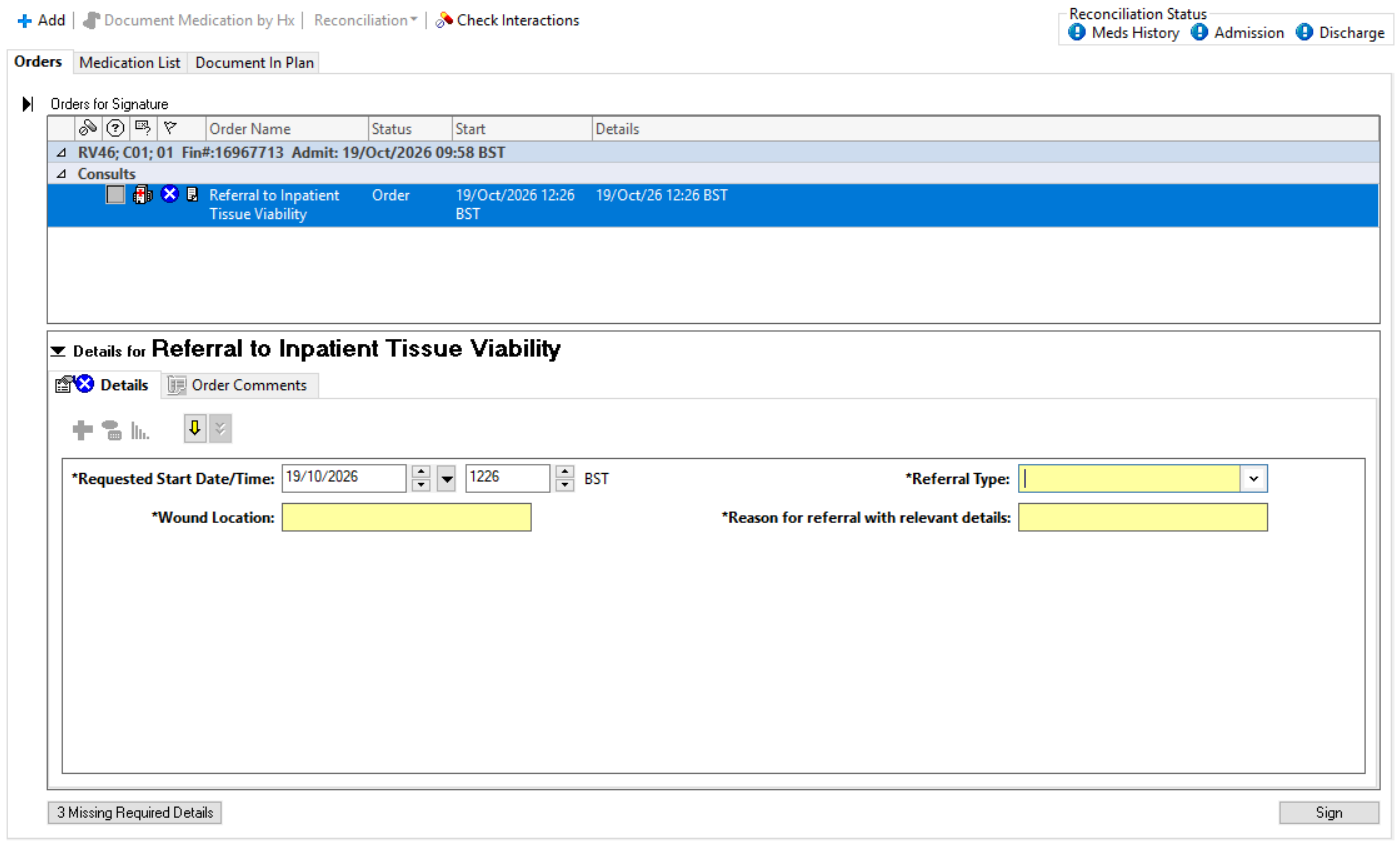
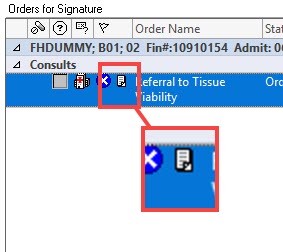
- To see the referral criteria information, click the paper icon.
.
- Once the fields are complete, click Sign in the bottom right corner..
- Refresh screen, The referral will display in the Consults section. The status will be shown as ordered.
- The Tissue Viability team will review the referral and once accepted or rejected it will show in document viewing – please note that this may be the following working day.
