
More results...
More results...
This guide will show you how to create the Caring for the Dying Patient Documentation.
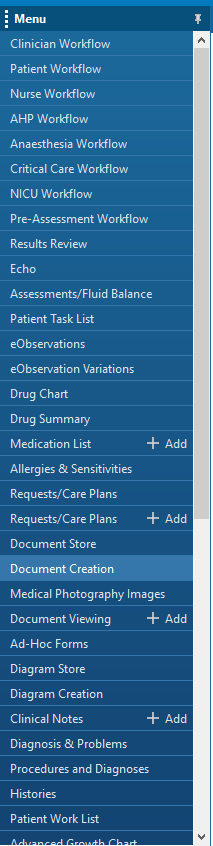
Go to Document Creation in PowerChart.
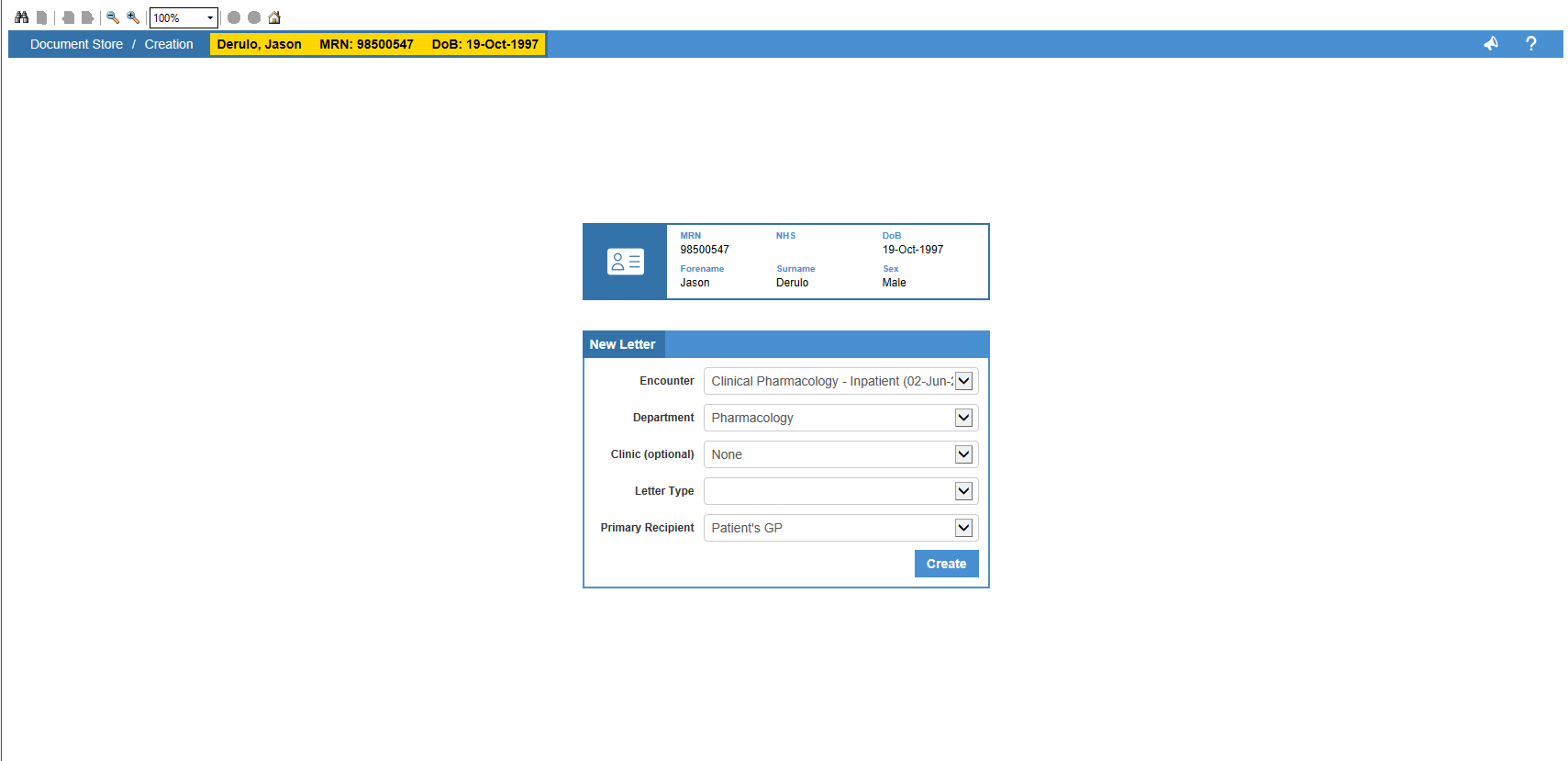
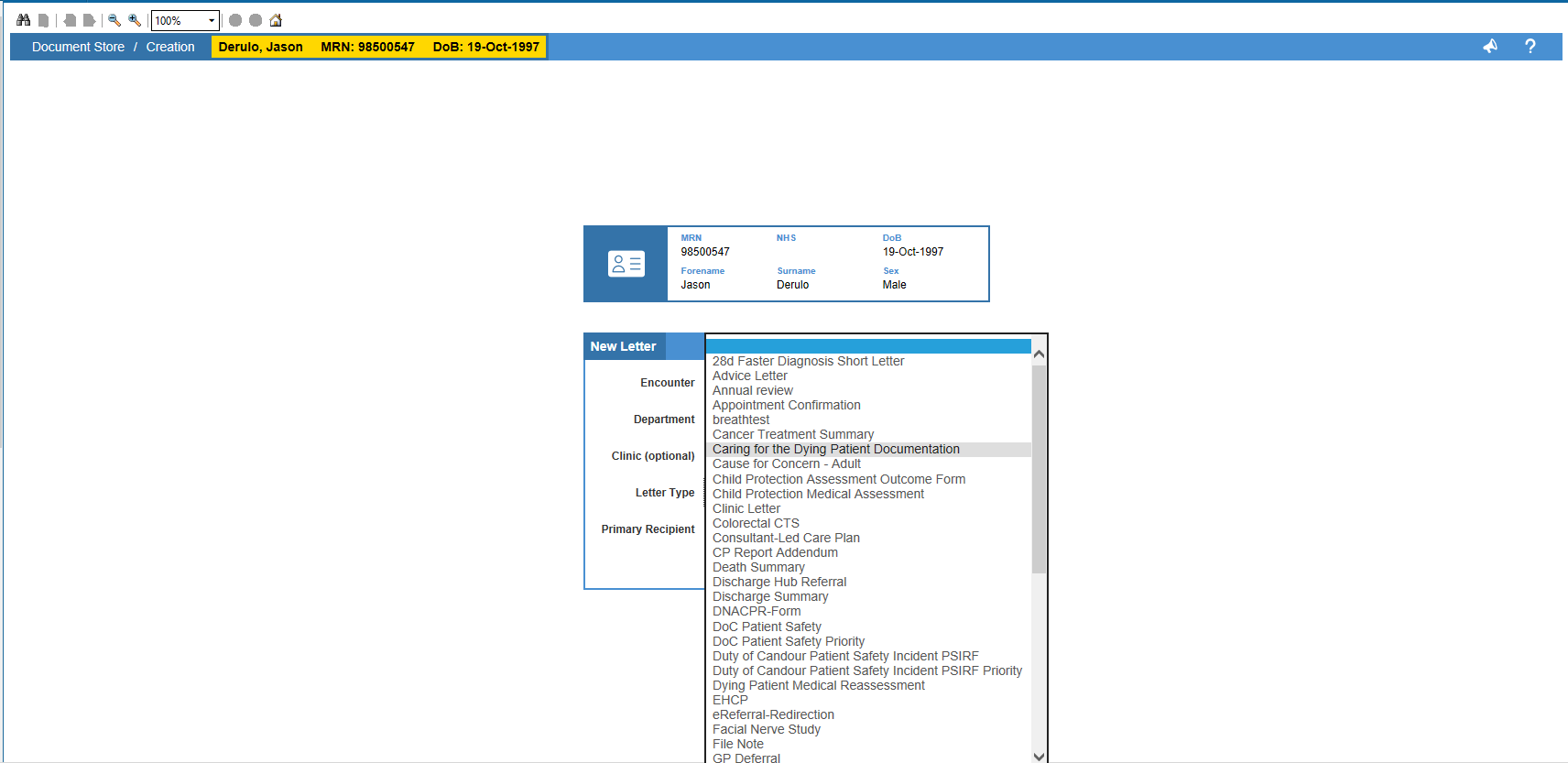
Complete the New Letter menu. For Letter Type, select “Caring For the Dying Patient Documentation“.
For the Primary Recipient, select “Other“.
Click Create. This will generate a letter collating the clinical documentation from the past 72 hours.
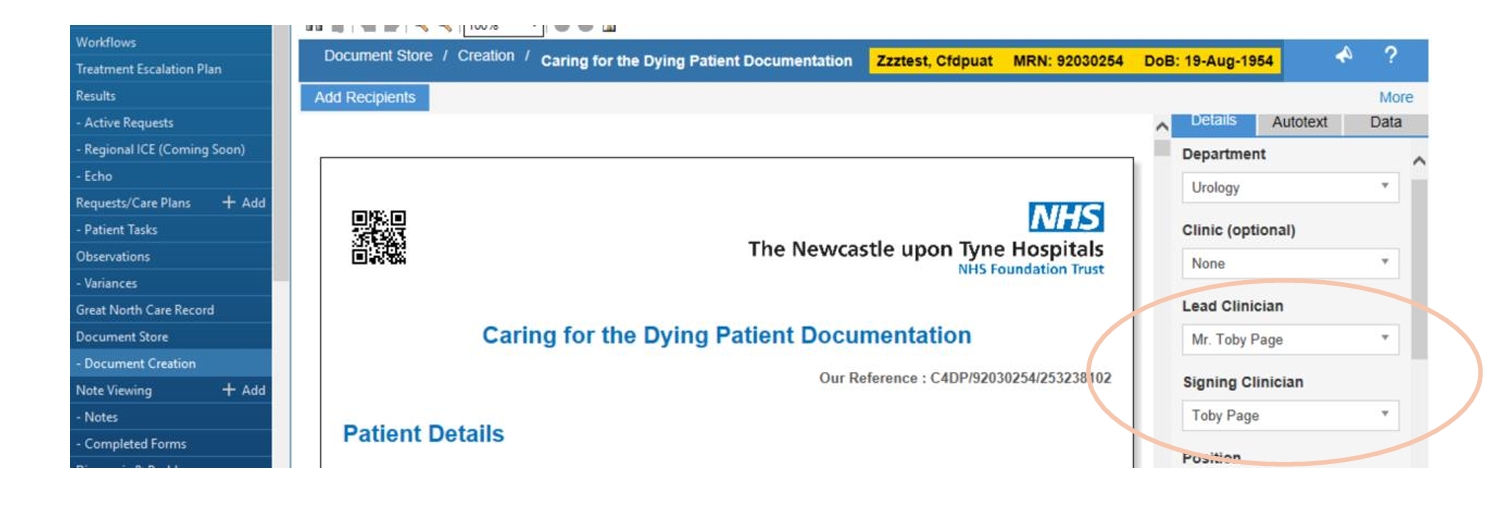
Add “Lead Clinician” and “Signing Clinician” in menu on right. This should be the patient’s consultant.
Click “Save and Finalise”
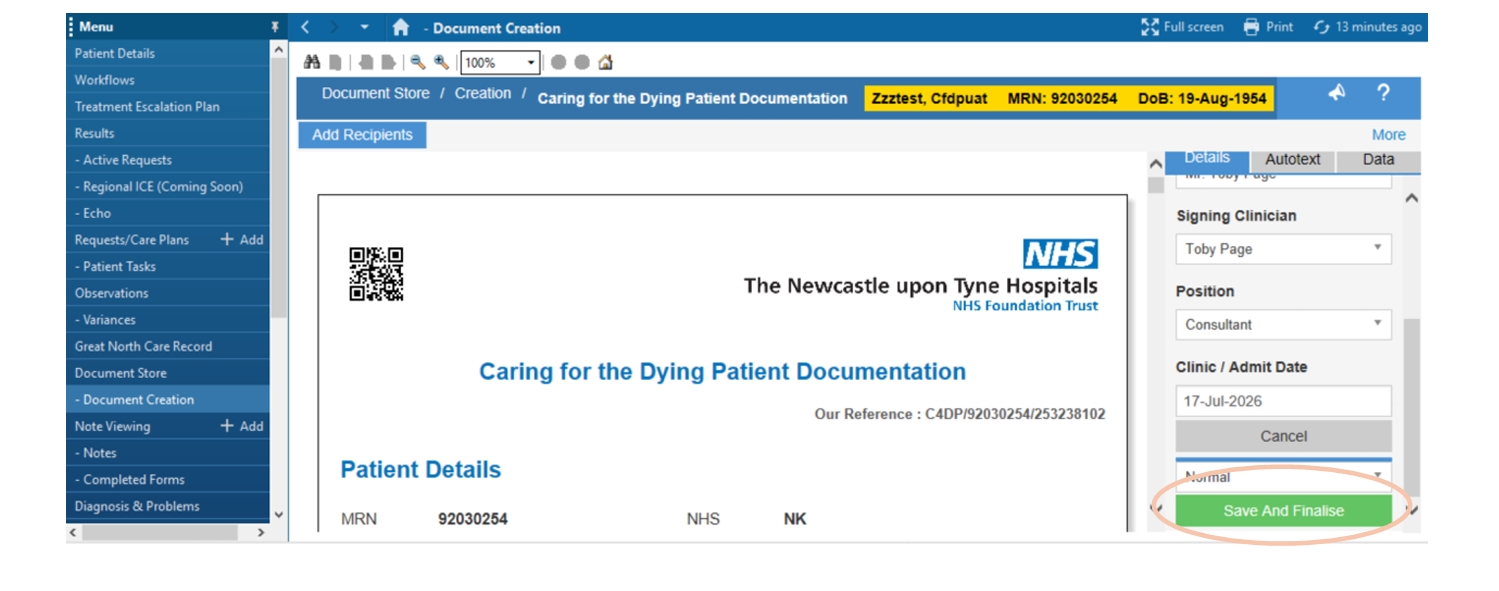
Once you have completed the letter, the document creation screen will show a green bar along the bottom of the page.
If your green bar is showing, you can press “Click Here” to view a pdf of the document.
If the green bar is no longer showing, then go to Document Store and find the relevant document.
Once the document is open, there will be a print button in the top right corner of the page which can be used to print the document.