How to modify an administered dose
Scenario
How to modify or change a previously documented medication administration in the Drug Chart.
Instructions
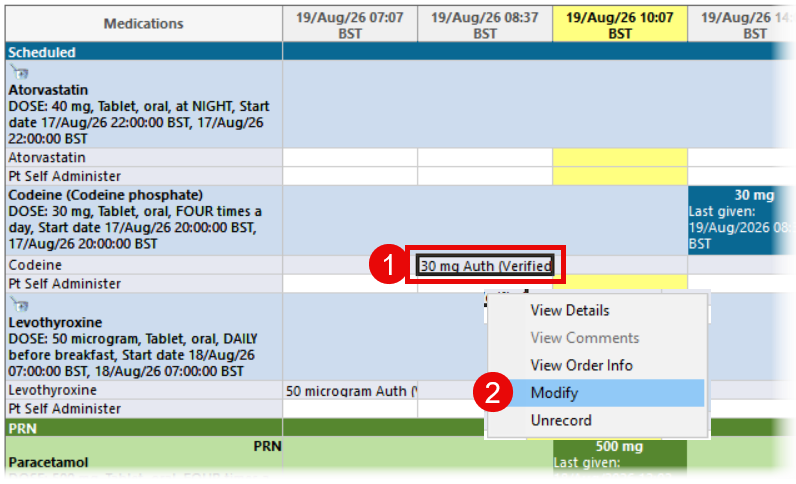
- In the Drug Chart, locate the documented administration you wish to change.
- Right click and select Modify.
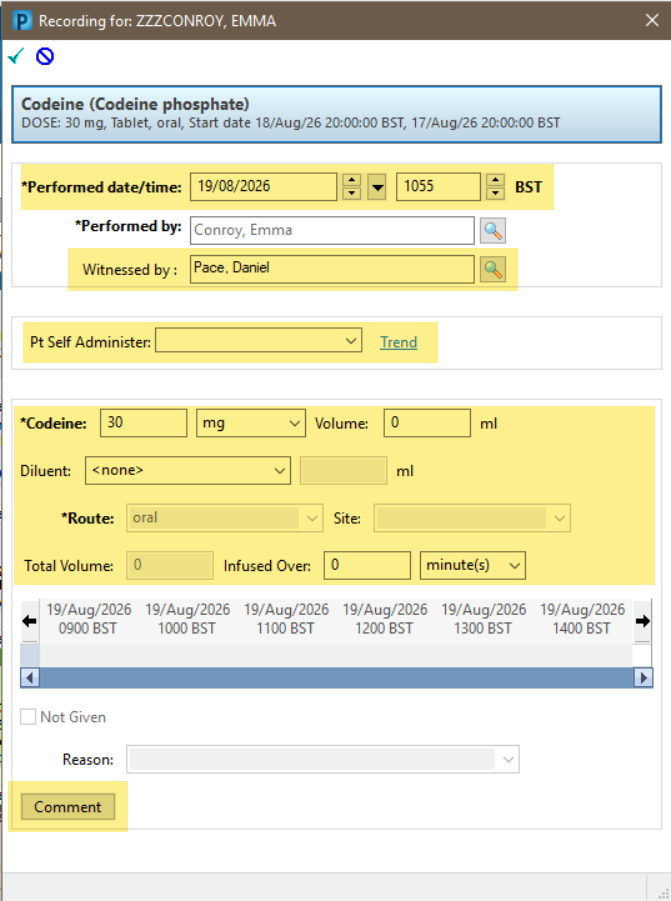
- The Recording pane will open. You can make the following changes:
- Date/time
- Witness
- Pt self administer
- Amount given
- Comment can be added or modified
You cannot change Performed by or Not Given using Modify. The Unrecord process must be used.
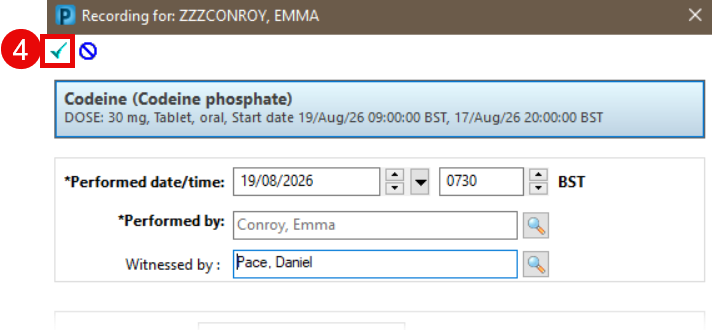
- Make the changes and click Sign (green tick). If the Witnessed By field is populated, the system will prompt the witness to enter their password.
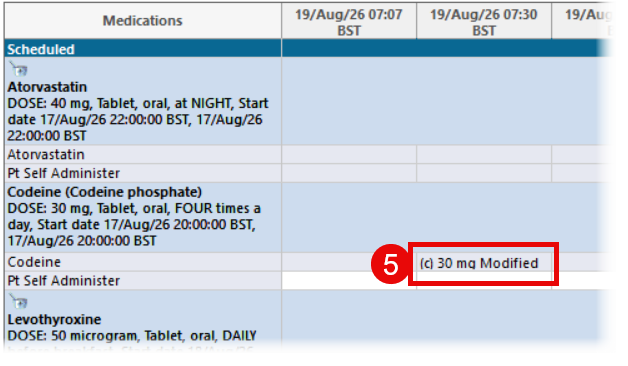
- The modified administration is indicated with (c) in front and Modified at the end.
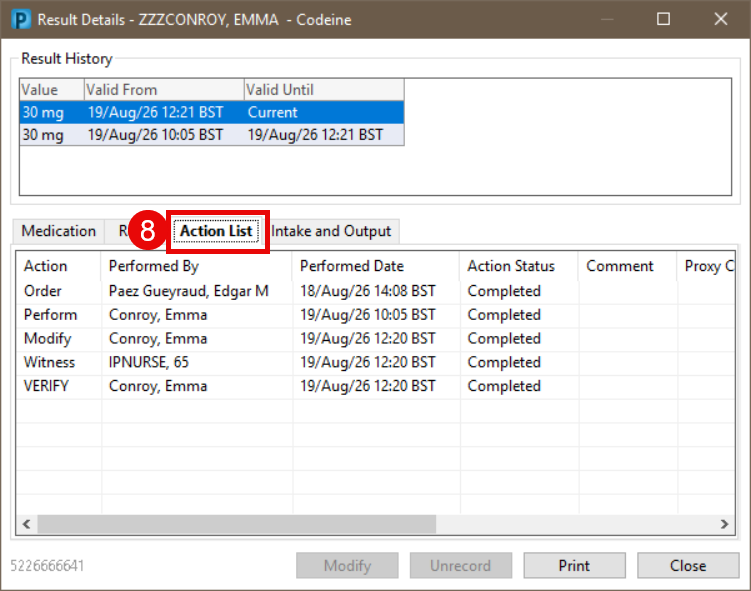
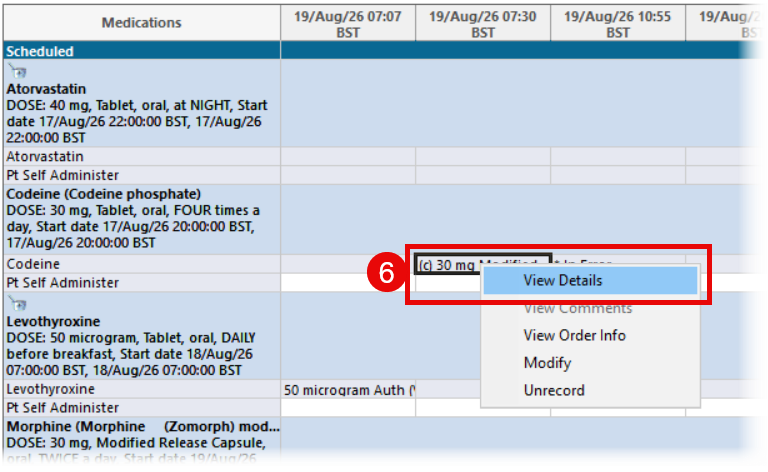
- To see the history, right click and select View Details.
- History for the dose given and administration time can be seen in the Result History section.
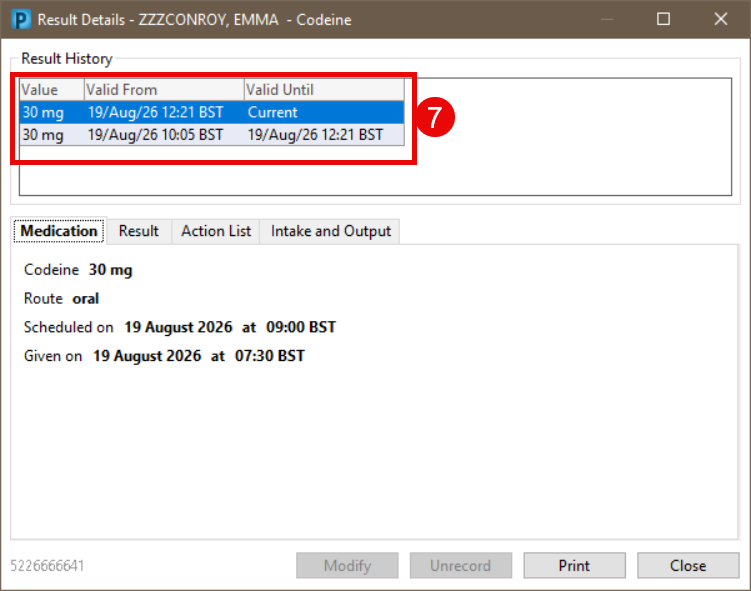
- History of Performed by and Witness is shown in the Action List section.