More results...
More results...
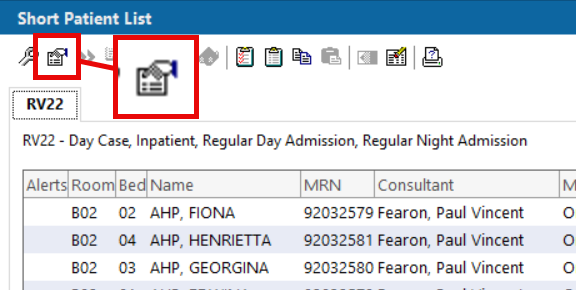
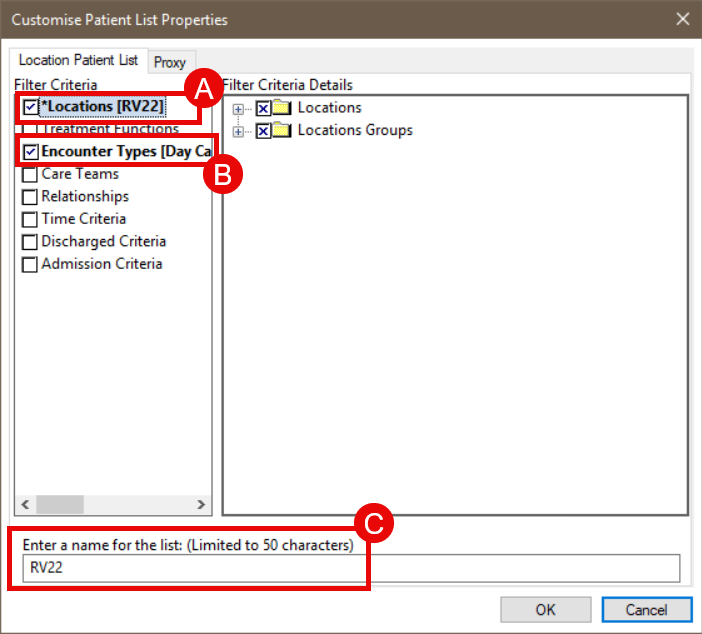
You have already created a Short Patient List and you want to edit the properties such as, the location, encounter types or name.
Patient List Properties allows you to modify of a Short Patient List that you have already created.