
More results...
More results...
To add a Planned event (visit or procedure), click on the Planned events page in the Navigation Menu:

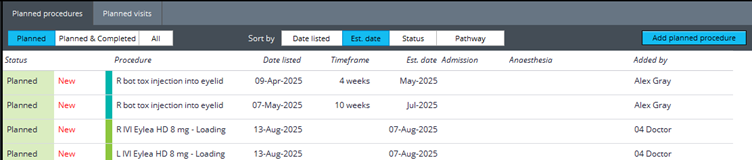
The Planned events page is split into two tabs: Planned Procedures & Planned visits:
Planned procedures:
To add a Planned procedure, click on Add planned procedure:
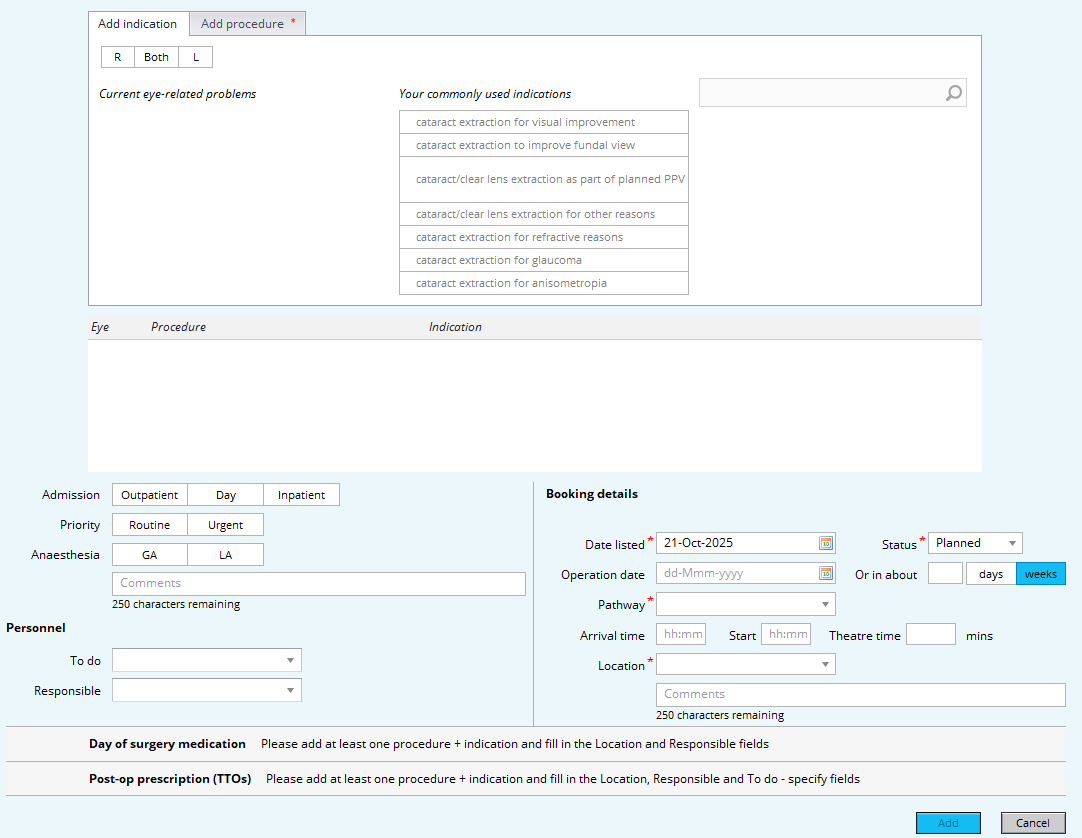
The procedure planning window will appear, allowing you to input relevant information regarding the procedure:
First, select which eye(s) the procedure is regarding, then choose or search for an Indication:
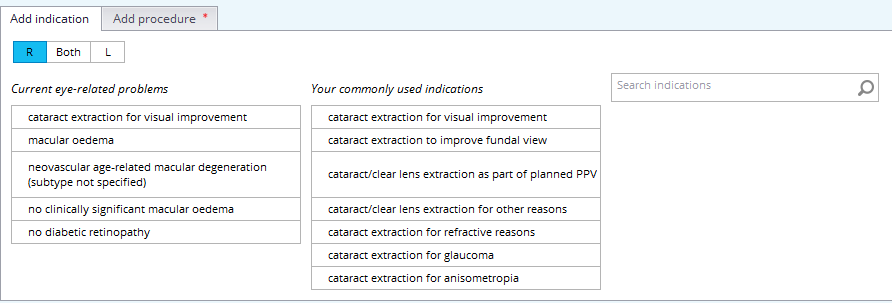
It will then automatically take you to the Add procedure tab, where you can choose or search for procedures that correlate to that indication:
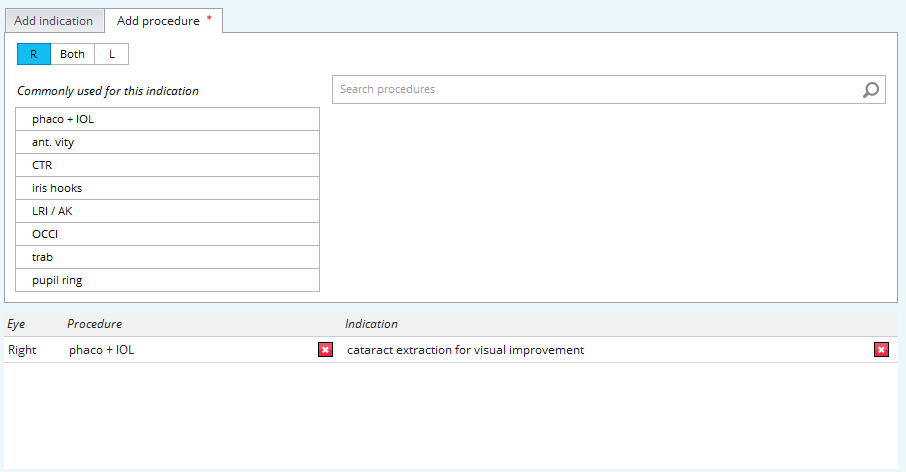
To finalise the procedure, enter the relevant and necessary information down below, then click Add:
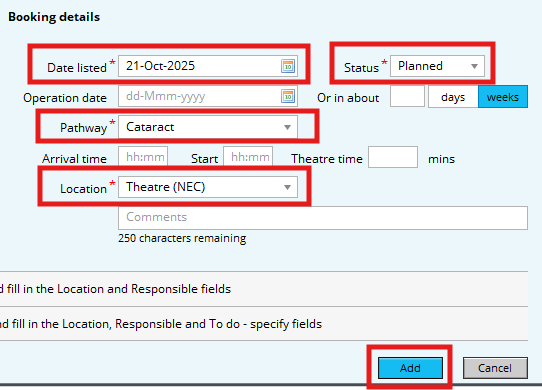
This will add the procedure to the patient’s record on mediSIGHT, allowing clinical staff to select it when generating an Operation encounter.
Planned visits:

To add a Planned visit, click on Add planned visit:

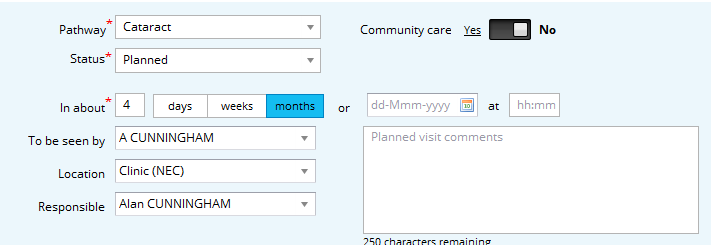
A pop-up window will appear, allowing you enter information regarding the visit
Below, you can add instructions and investigations to the visit for the nursing staff to perform:
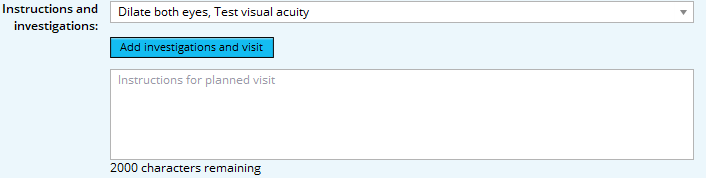
Once you are finished, click Add:
The planned visit will be added to the patient’s record, where clinical staff can select it when producing a Consultation encounter or an assessment encounter.