More results...
More results...
To add a new a diagnosis, click the Problems page in the Navigation Menu:

Diagnoses are categorised into 3 different categories: Current (green), History of (grey) and Past (pink).


To add a new diagnosis, click on “Add new problem”:

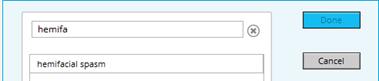
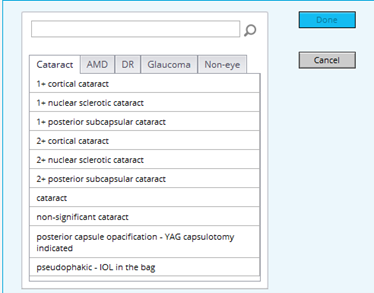
A pop-up window will appear allowing you to search for a diagnosis, either by typing to search or by selecting a diagnosis from pathway categories:
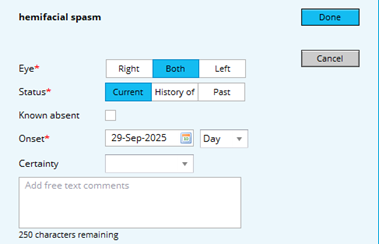
Once a diagnosis has been chosen, select the Eye, Status, Onset date fields, then click “Done”