More results...
More results...
To access the clinical document/encounter comparer page, click on EyeBrowse in the Navigation Menu:

Then, select which eye you would like to find correlated clinical encounters for:

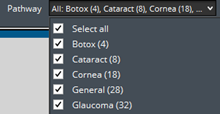
Then select a Pathway
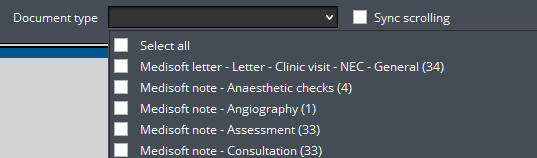
Then select a Document type:
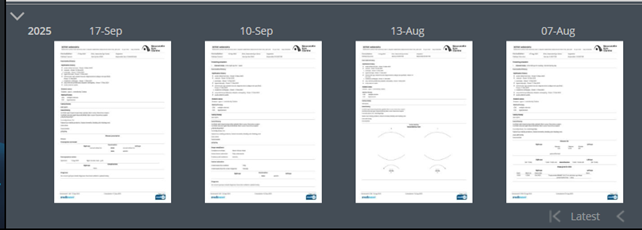
The selected Document types from the selected Pathway will appear down below, allowing you to click and drag a document into the middle of screen (either the left or right side) to compare:
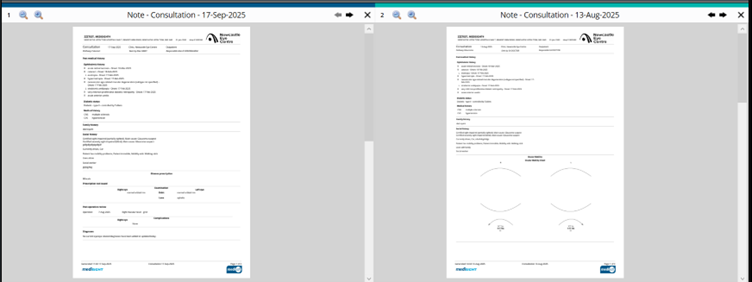
Click “Sync scrolling” to synchronise any form of zoom and scrolling throughout the documents.