How to Associate a Blank Record to a Case
Introduction
A blank record must eventually be associated to a case in order for it to be finalised.
Instruction
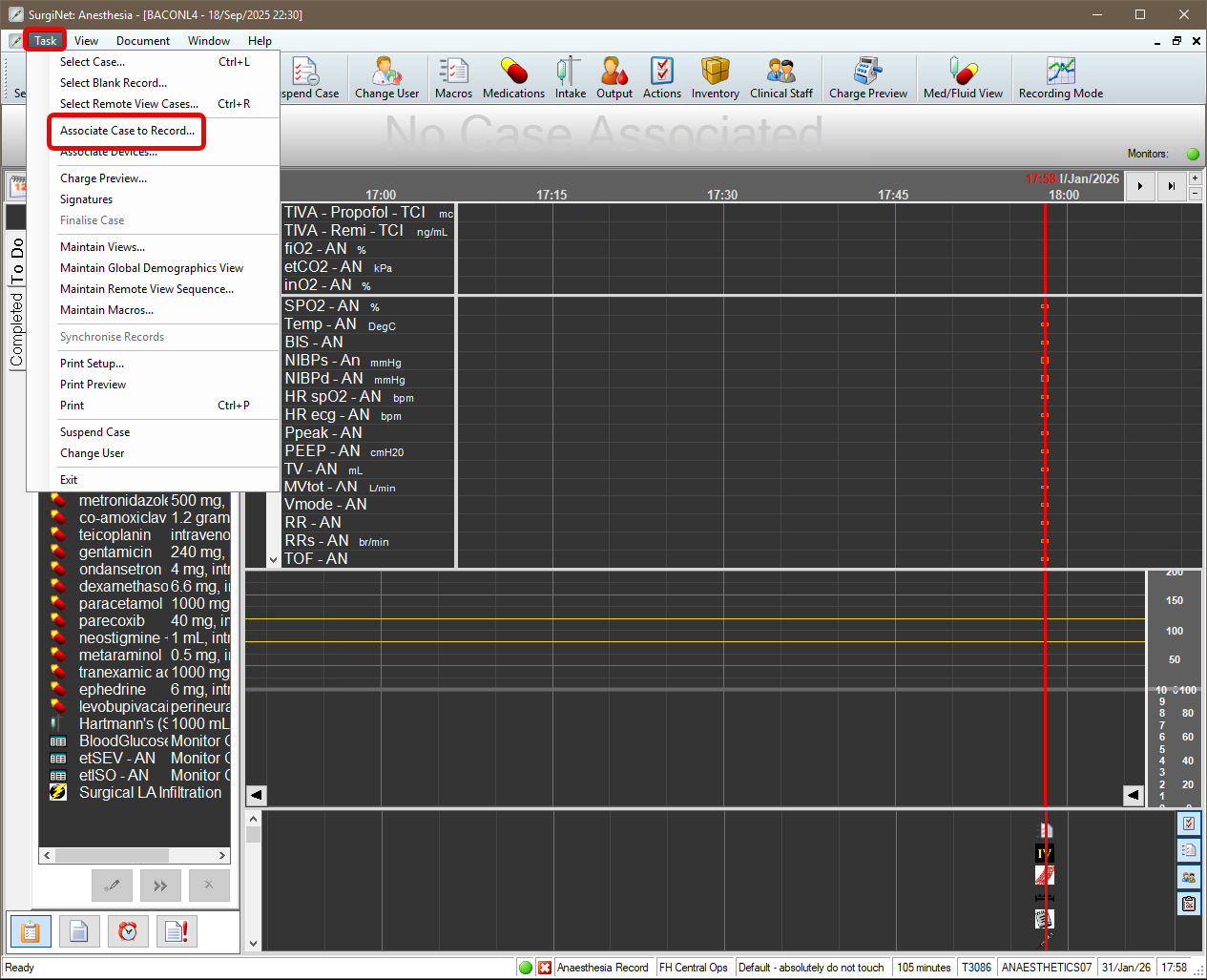
- Once the case has been scheduled, under Task on the menu bar, select Assign Case to Record.
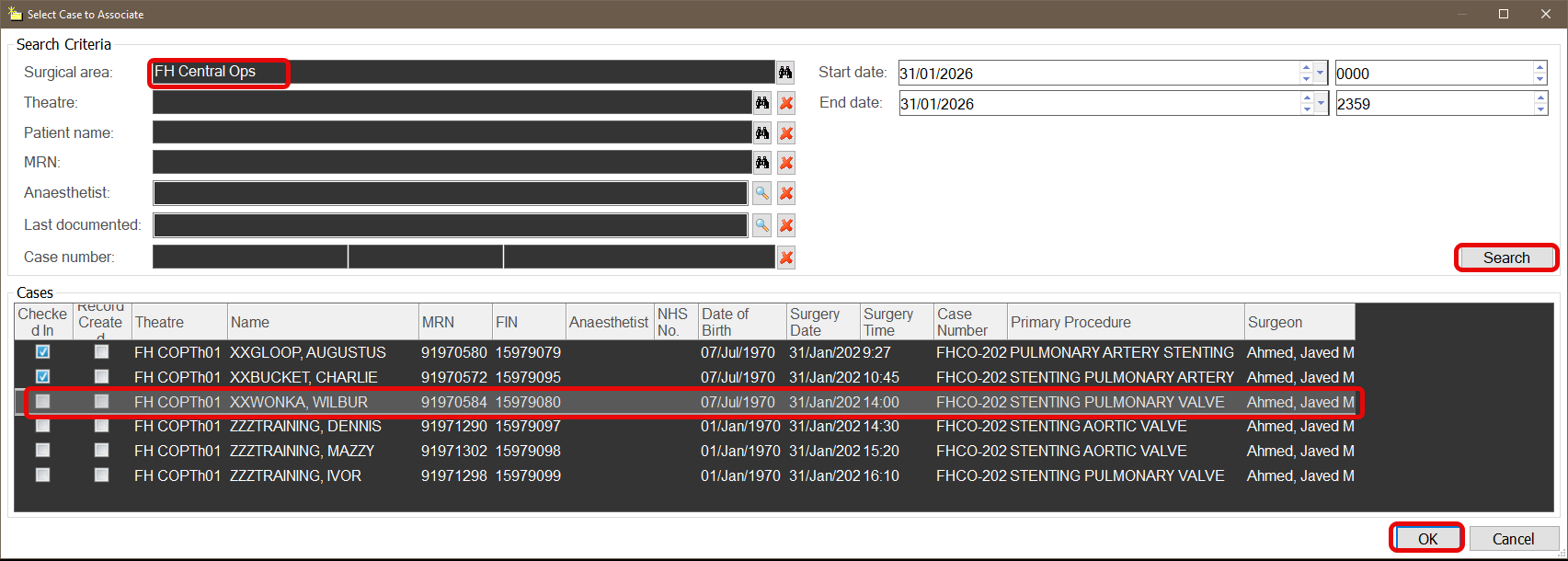
- Ensure the correct Surgical Area is selected and press Search. Confirm the correct patient name, MRN and procedure and select the patient. Click OK.
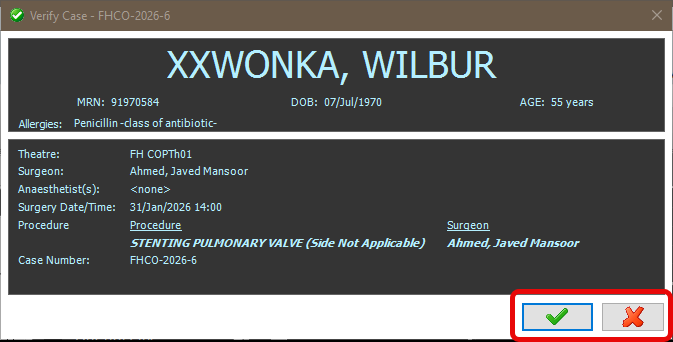
- Verify the correct patient details (name, DOB, MRN), date and procedure before clicking the green tick.
Important – Ensure the correct patient and case has been verified. Once the green tick is selected this will associate your anaesthetic record to this patient and case.
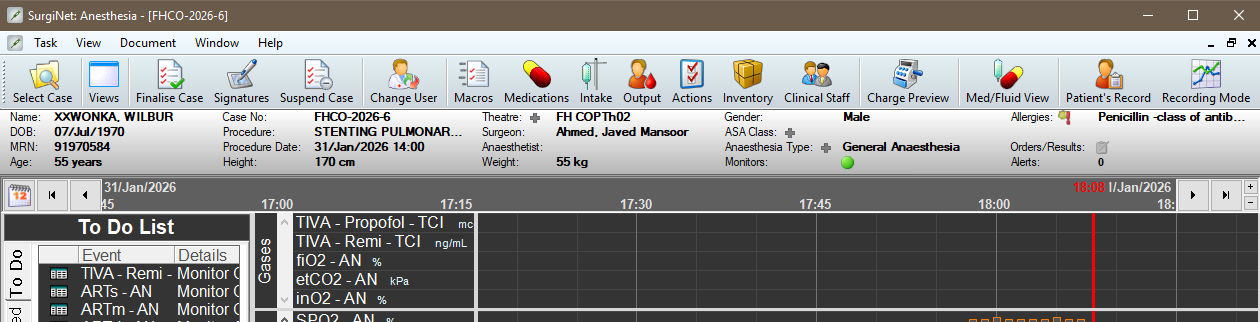
- The record is associated with the case and the patient details displayed in the banner bar.