Documenting Home Medications in the Workflow
Scenario
This guide shows how to document home medications using the Workflow component.
Instructions
- Locate the Home Medications section and click Meds History.

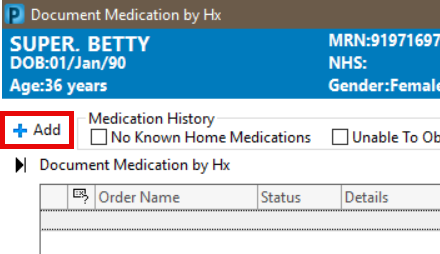
- The Document Medication by Hx window will open. Click +Add in the top left corner.
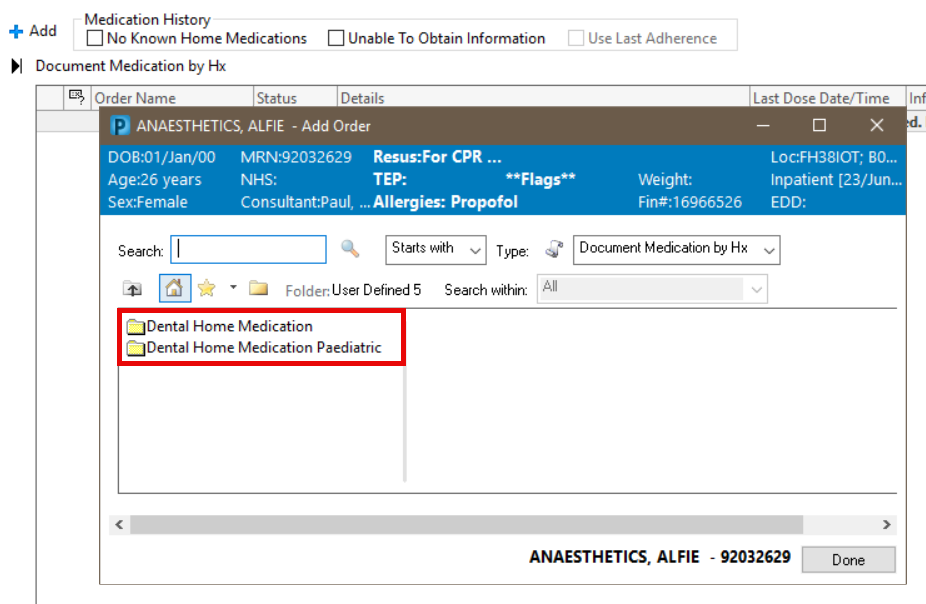
- For Dental Students: Folders will display, these contain commonly prescribed medications.
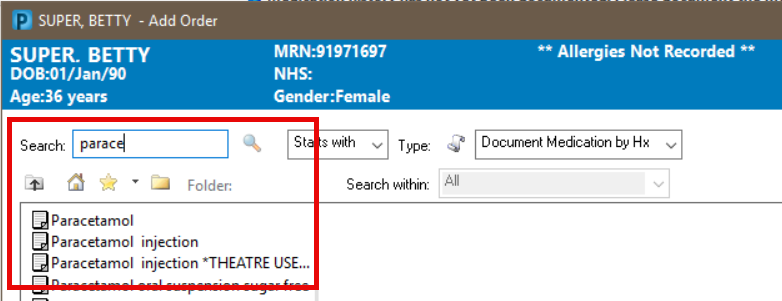
- To search, type the name of the medication into the search box. Results will populate in the box below. Select the required medication.
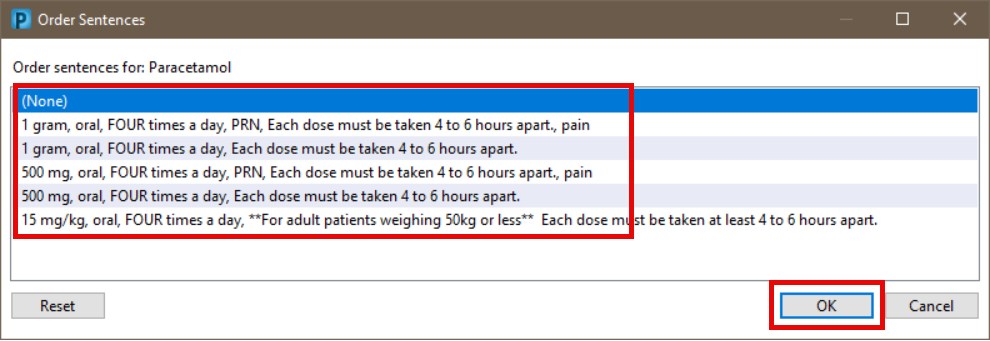
- Select the appropriate Order Sentence and then click OK.
Repeat steps 3 to 5 to add more medications
- Click Done on the Search window.
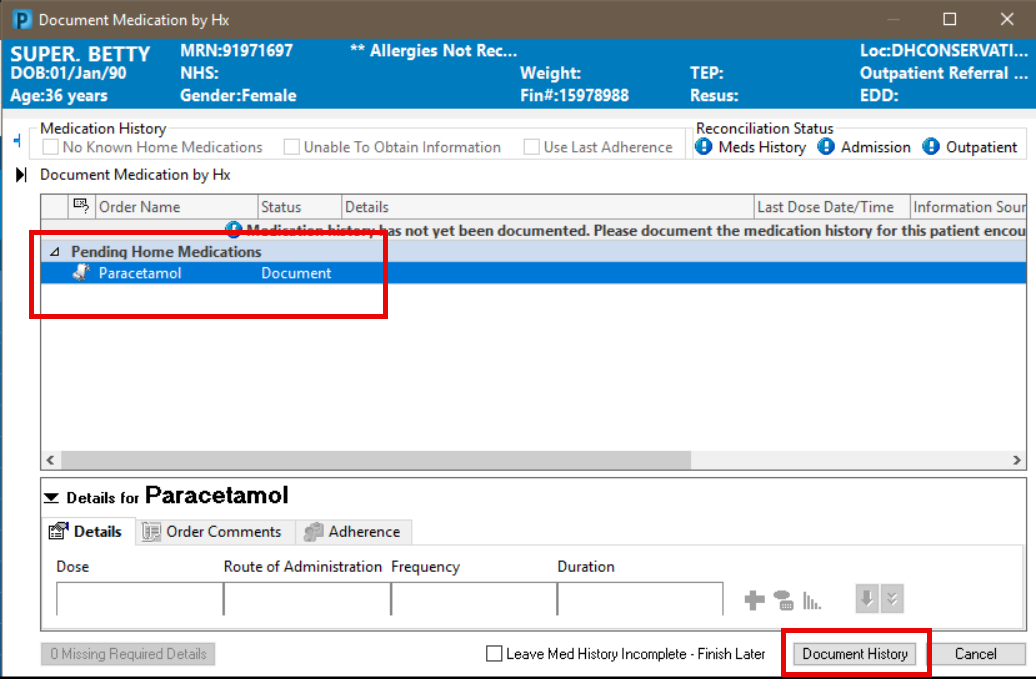
- The selected medications will display in the list. Click Document History.
- The medications will display in the Home Medications area of the Workflow.

