| How to access and edit an email attachment |
You receive an email attachment and need to either view or edit the document
| Step by step instructions |
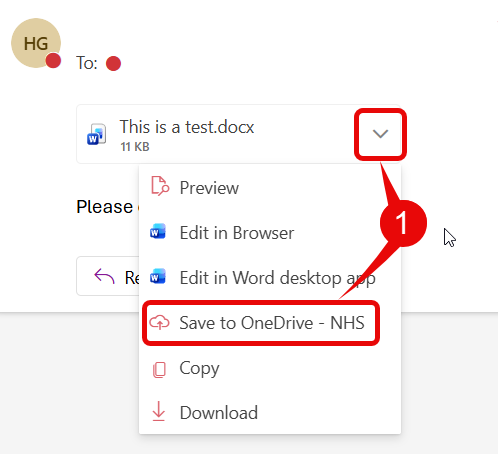
- In Outlook, click on the drop-down arrow to the right-hand side of the attachment in the email and, select Save to OneDrive – NHS
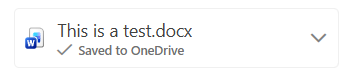
- The attachment will show that it has been ‘Saved to OneDrive‘
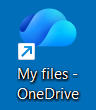
- Open OneDrive from the desktop icon
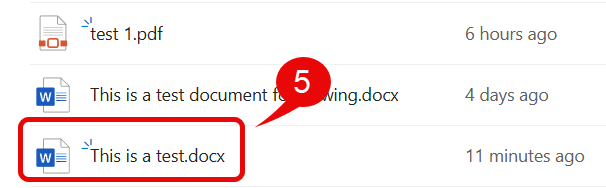
- In My Files, click on My Documents then select the Attachments folder

- Search for and click on your file to open, view and edit the document