Countersigning a DNACPR decision
When a DNACPR Resuscitation plan has been documented, it will be clear in the banner bar if this needs to be countersigned by a senior clinician. Follow these steps to countersign a DNACPR decision in PowerChart.

Instructions
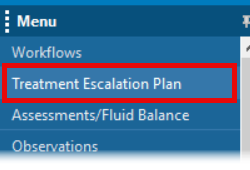
- Click on Treatment Escalation Plan in the blue menu
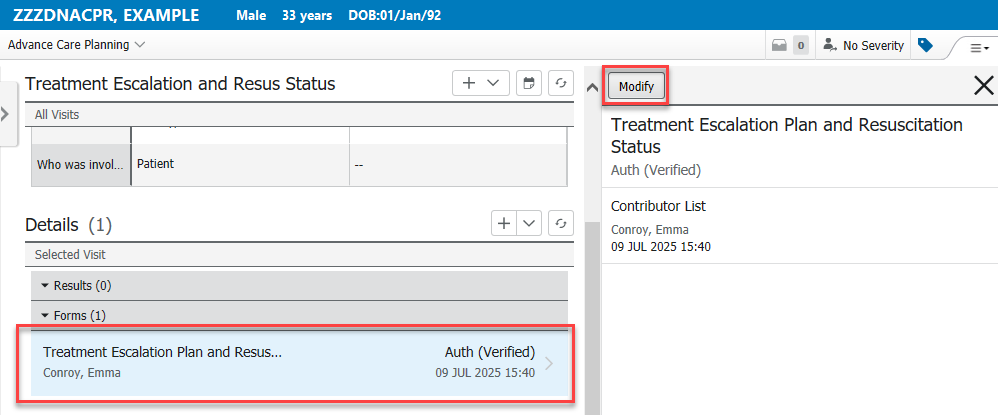
- Scroll down to the “Activities” section and select the most recent Treatment Escalation Plan and Resuscitation Status form, then click on the Modify button at the top right to review the details recorded in the form.
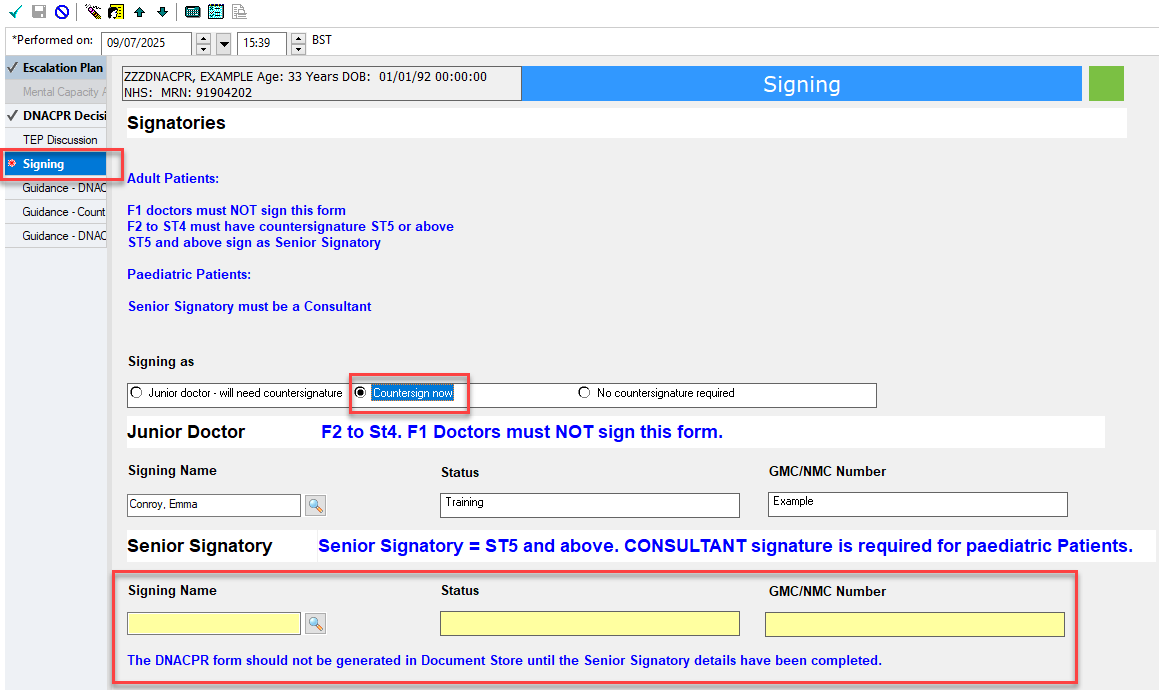
- Click on the Signing section when you are satisfied with the contents of the other sections.
- Select Countersign now and add your details to the mandatory fields in the Senior Signatory section.
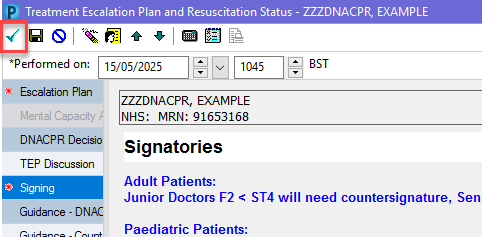
- Click the green tick in the top left to sign the form.
- Go to Document Creation and generate a DNACPR Form once the PowerForm has been Countersigned. The steps for this process can be found in this guide:
How to create and print a DNACPR form – IT Training Support
