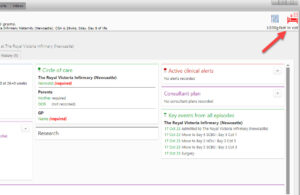
If the patient is not assigned to a cot then the bed icon in the top right hand corner of the patient record will be pulsating red. It will also state ‘Not in cot’ underneath the icon.
Click on this icon and assign the patient to an empty cot
Note: This will usually be done during admission. It isn’t standard to open a patient record and find the patient unassigned from a cot.