Report an Issue/Problem
Information
This guide will show you how to report an issue or problem regarding the new critical care reporting software called Medicus. Also accompanying, is guidance on how to use snipping tool.
Instruction
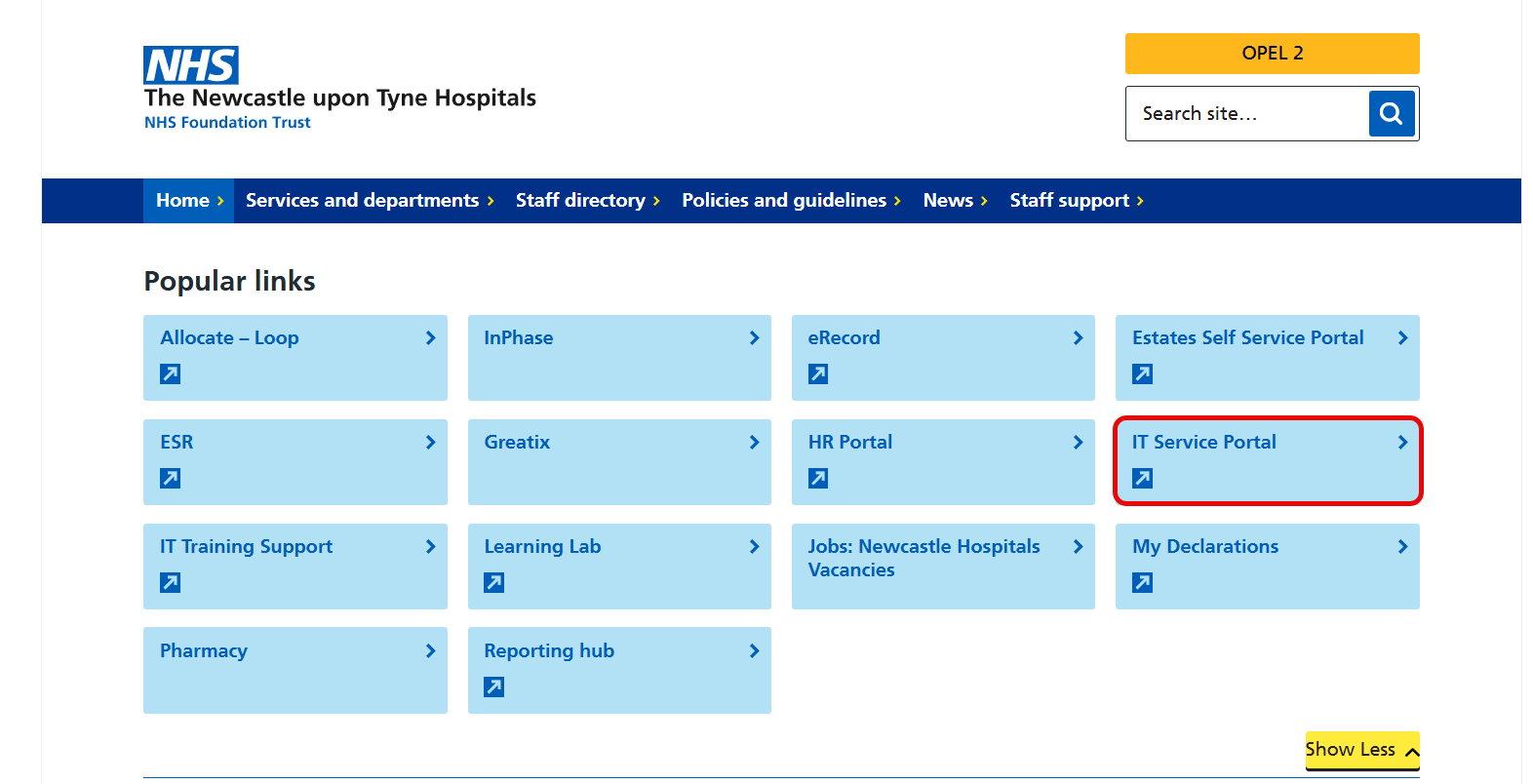
- Open the IT Service Portal either from:
the icon on your Desktop
or via the intranet page
- Wait a moment and your Trust username and password should autofill (if accessing from a Trust computer).
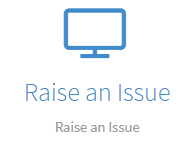
- Click on Raise an Issue.
- Clinical Applications (Faults).
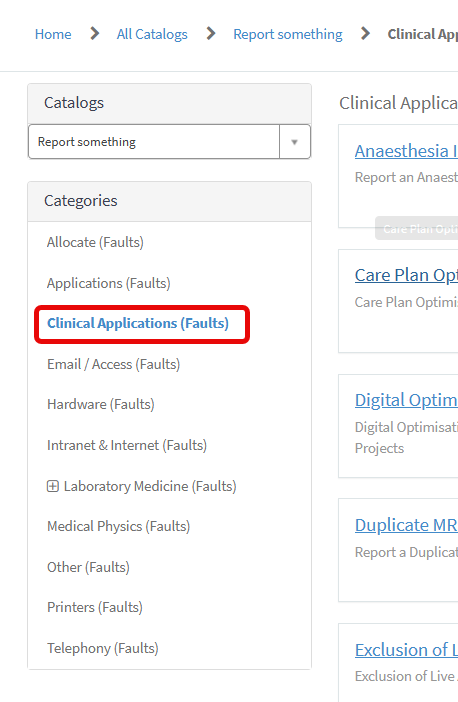
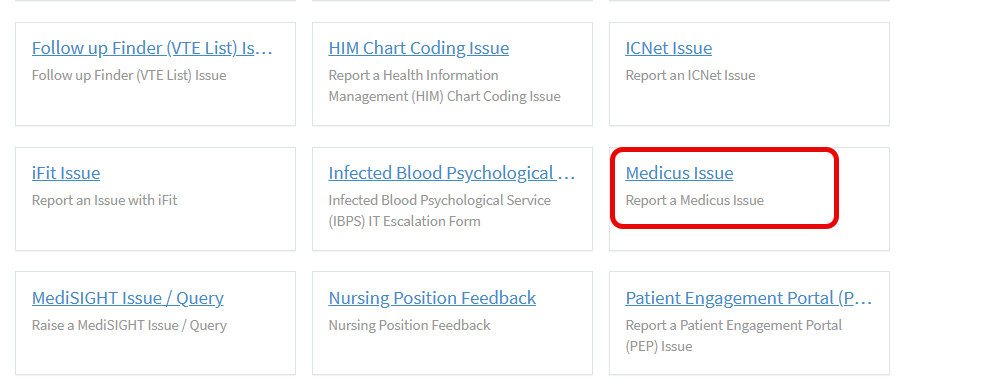
- Click on the Medicus Issue tab.
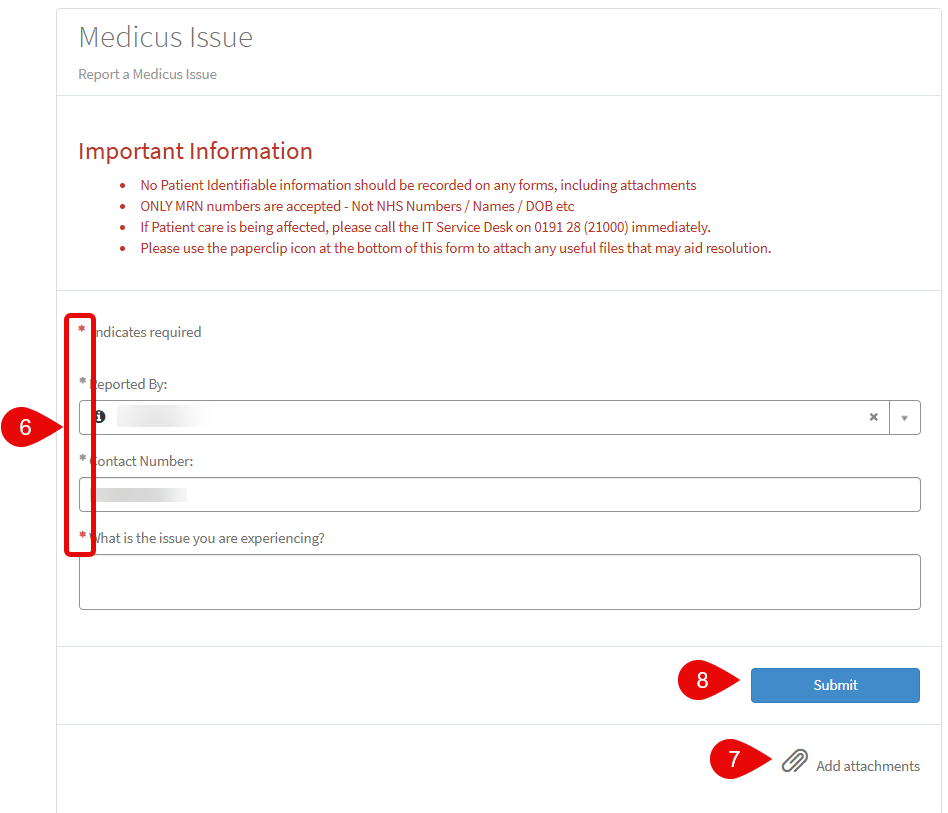
- Complete the form to explain the issue that you are having. Mandatory fields have a red asterisk.
- At the bottom of the form, you’ll find a paperclip icon where you can attach screenshots.
- Click Submit when you have finished. Please note that the Submit button is located before the paperclip icon if you wish to add any screenshots.