How to search for a patient in SystmOne
There are two ways to search for a patient on SystmOne.
Recent Patients
If the patient’s record has been opened recently, you can access it via the recent patient list.
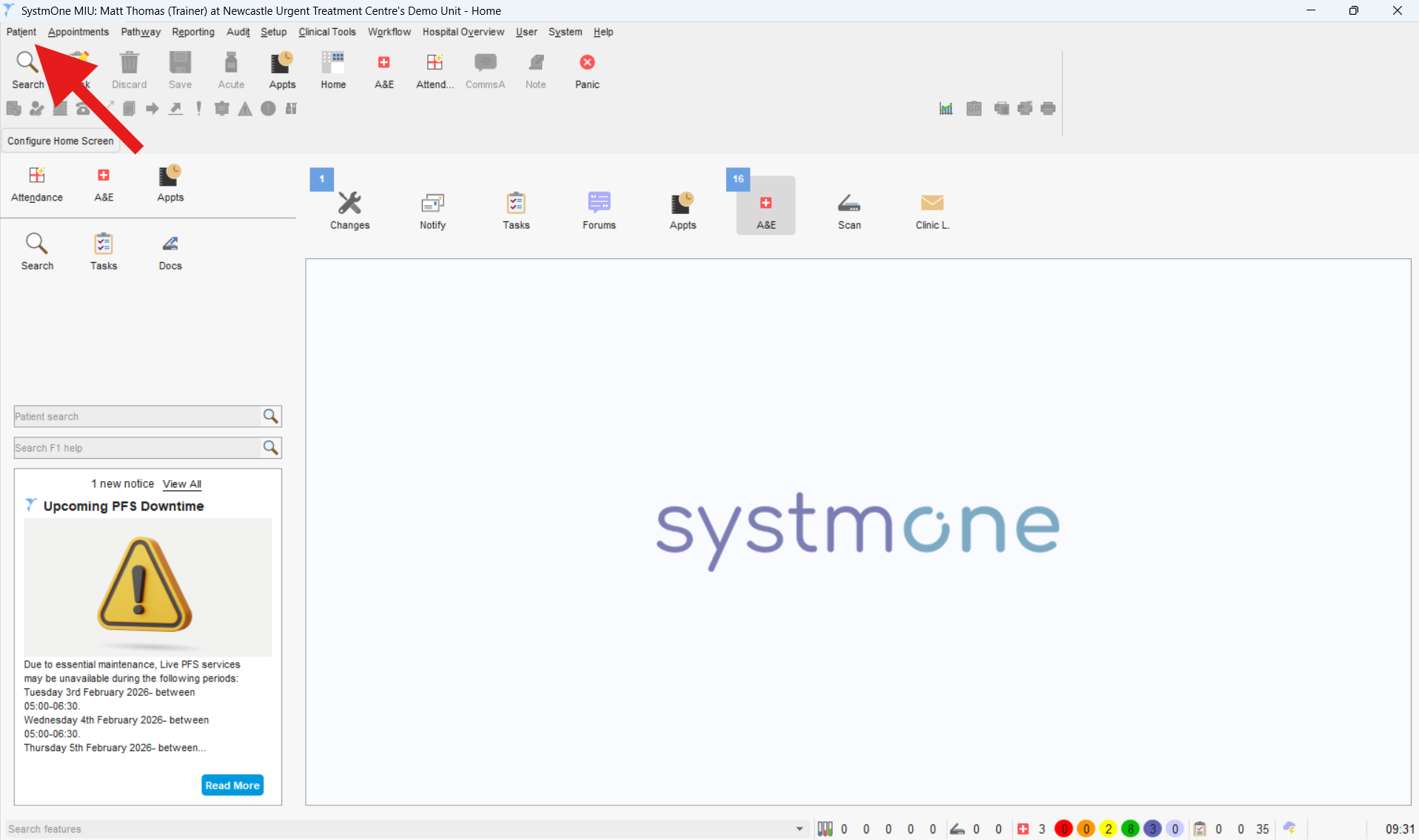
- Click the patient tab in the top left corner of the screen.
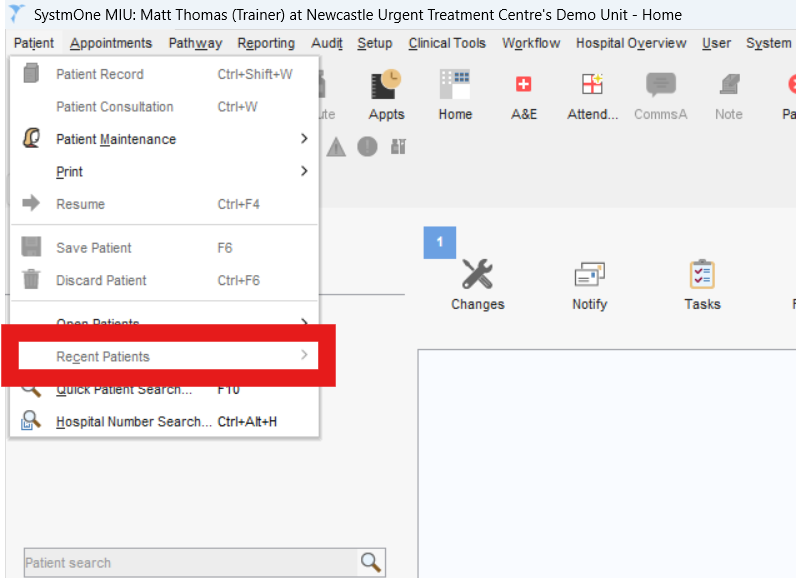
- Scroll down and hover over the “Recent Patients” menu. This will open a list of patients who have recently had their records opened.
- Click on the patient’s name to open their record.
Non Recent Patients
If the patient’s record has not been opened recently, you can search for it.
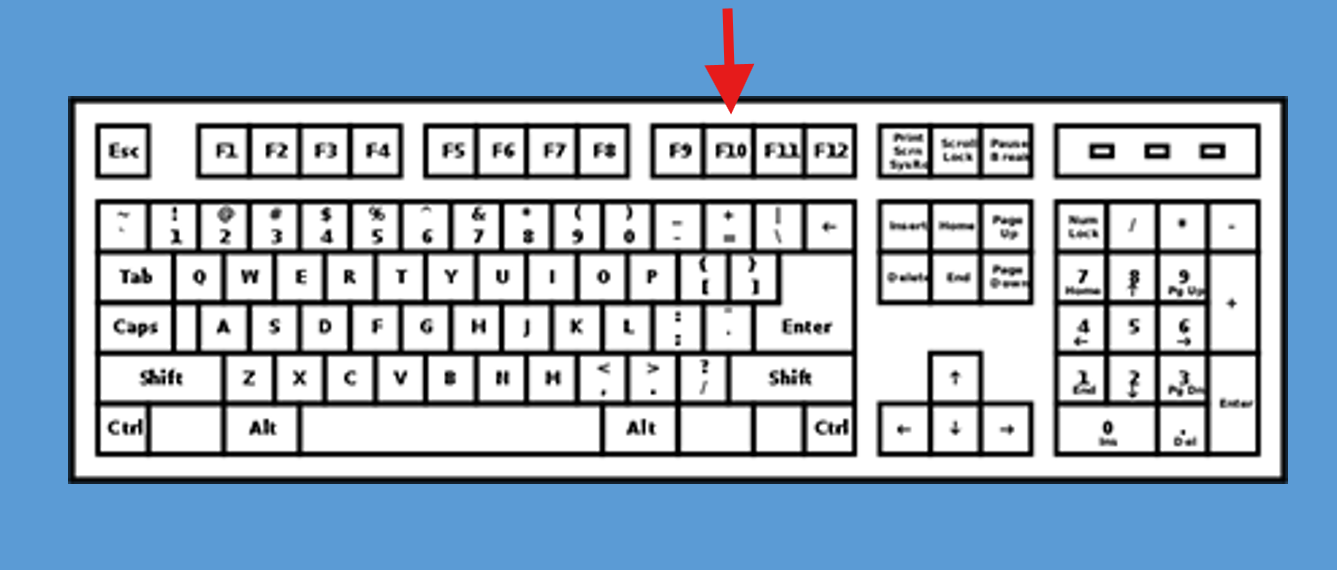
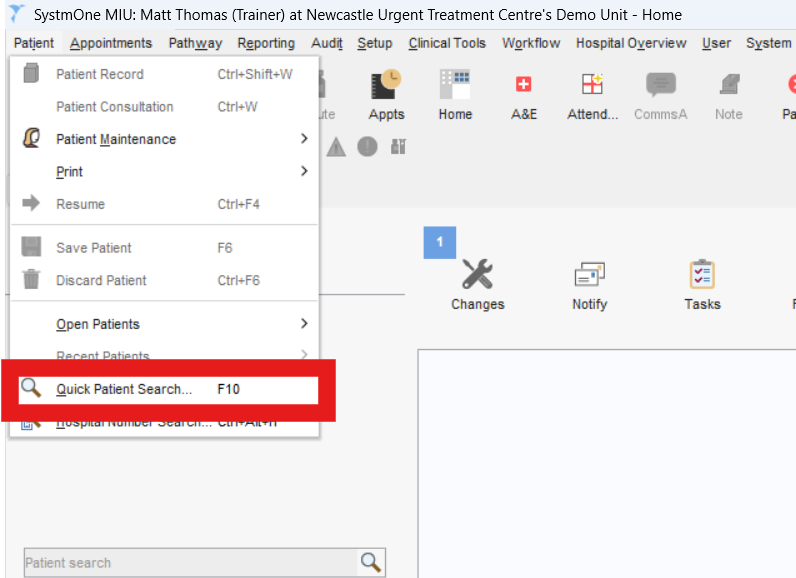
- Click the patient tab in the top left corner of the screen. (Alternatively you can press F10 on the keyboard or select the search icon in the top left corner).
- Scroll down and click “Quick Patient Search“.
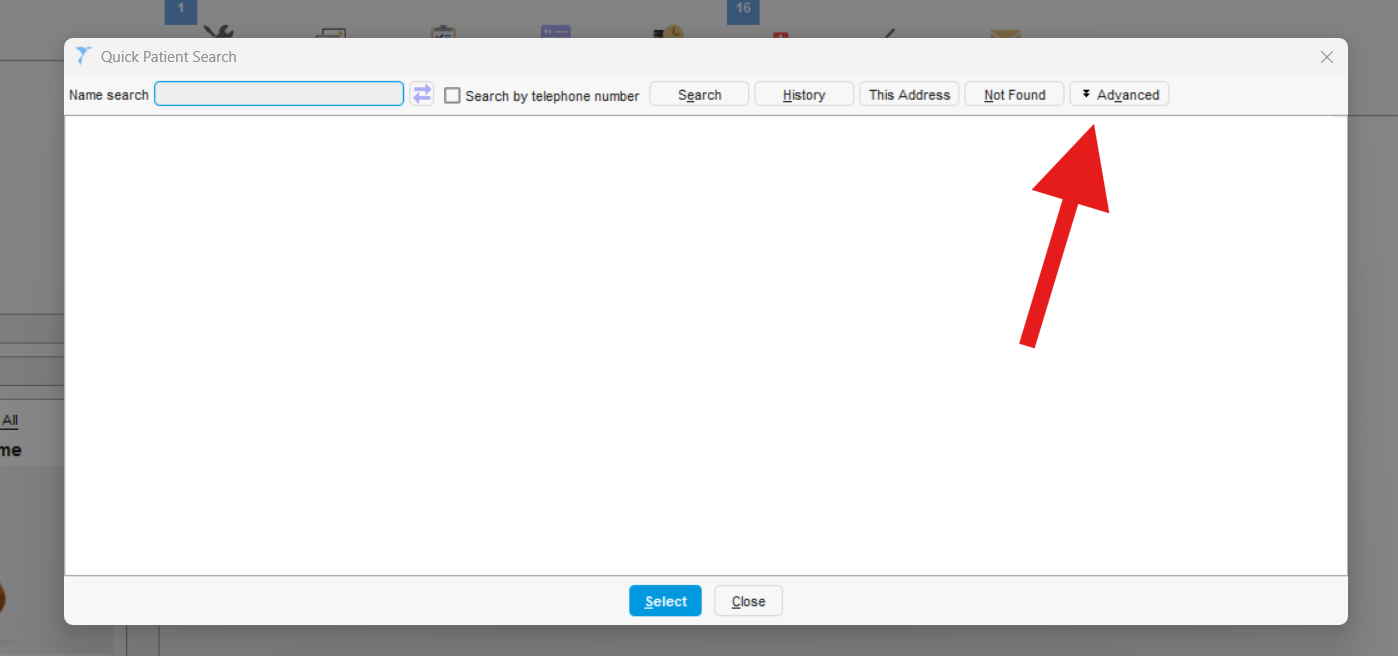
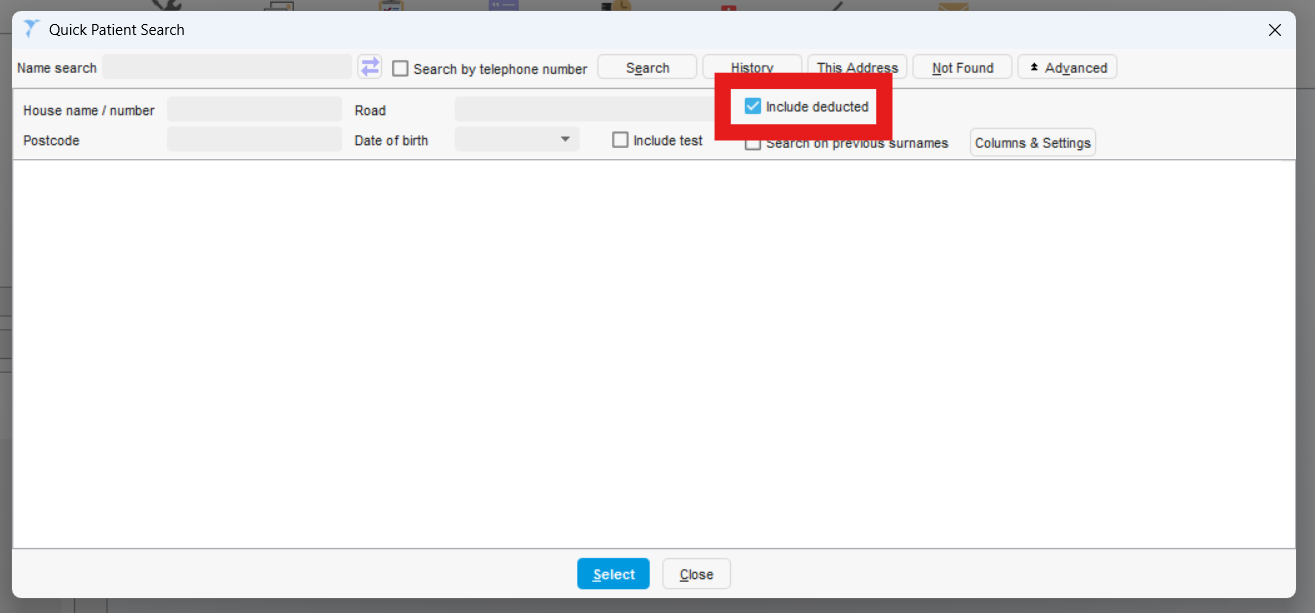
- A window will open for you to search for the patient in. Click on advanced search and check the box “include deducted patients“. Including deducted patients will include patients who have been registered at NUTH in the past, but are not currently receiving care.
- Type in the patient’s details into the relevant search fields (Name, House Number, Road, Postcode, Date of Birth) and press “Search“.Select the correct patient from the list and their patient record will open. You will be able to see the patient is open when their details show in a box in the top right corner of your screen.