
More results...
More results...
To log into your email you can open your web browser (Microsoft Edge, Google Chrome, etc.) and go to https://www.microsoft.com/en-us/microsoft-365/outlook/log-in. Once you are here, click the “Sign in” button in the top right corner.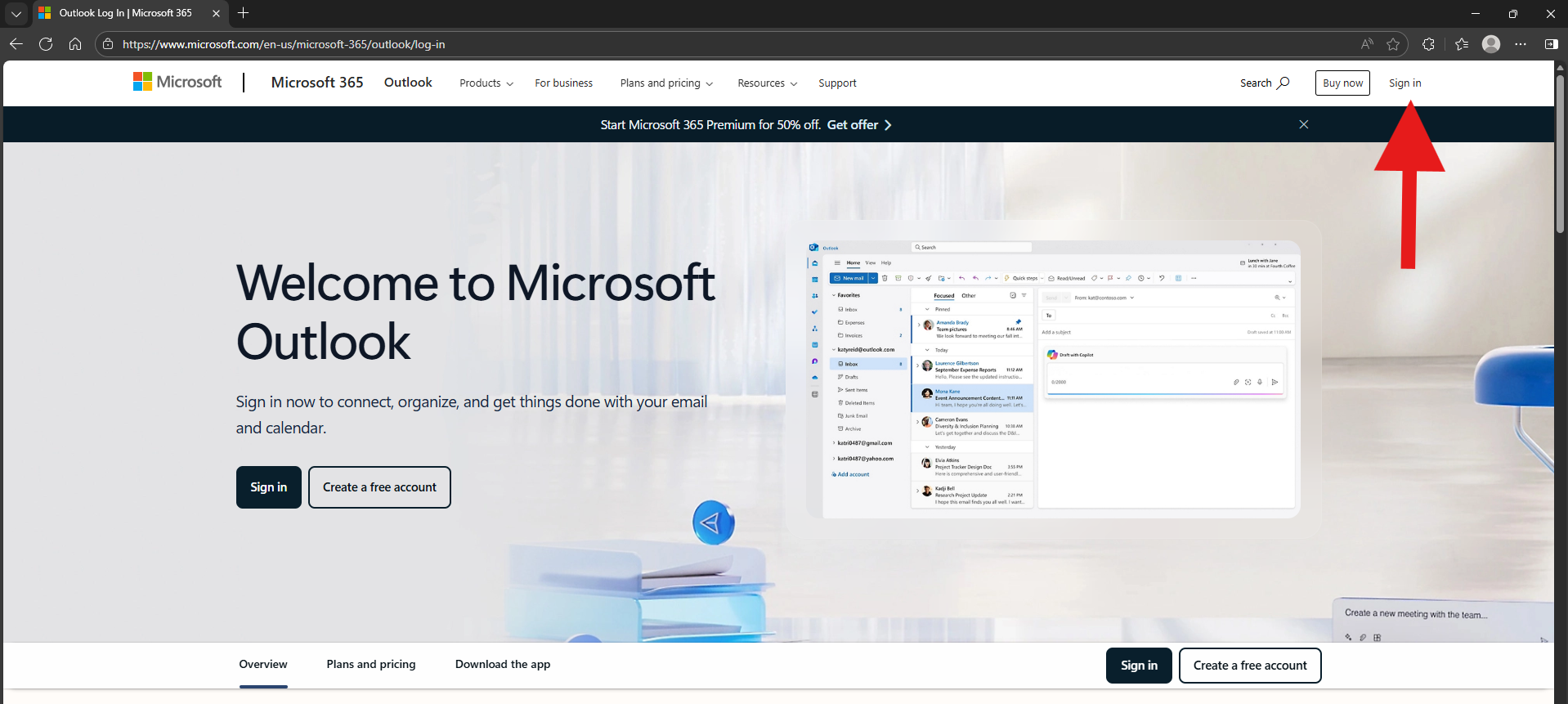
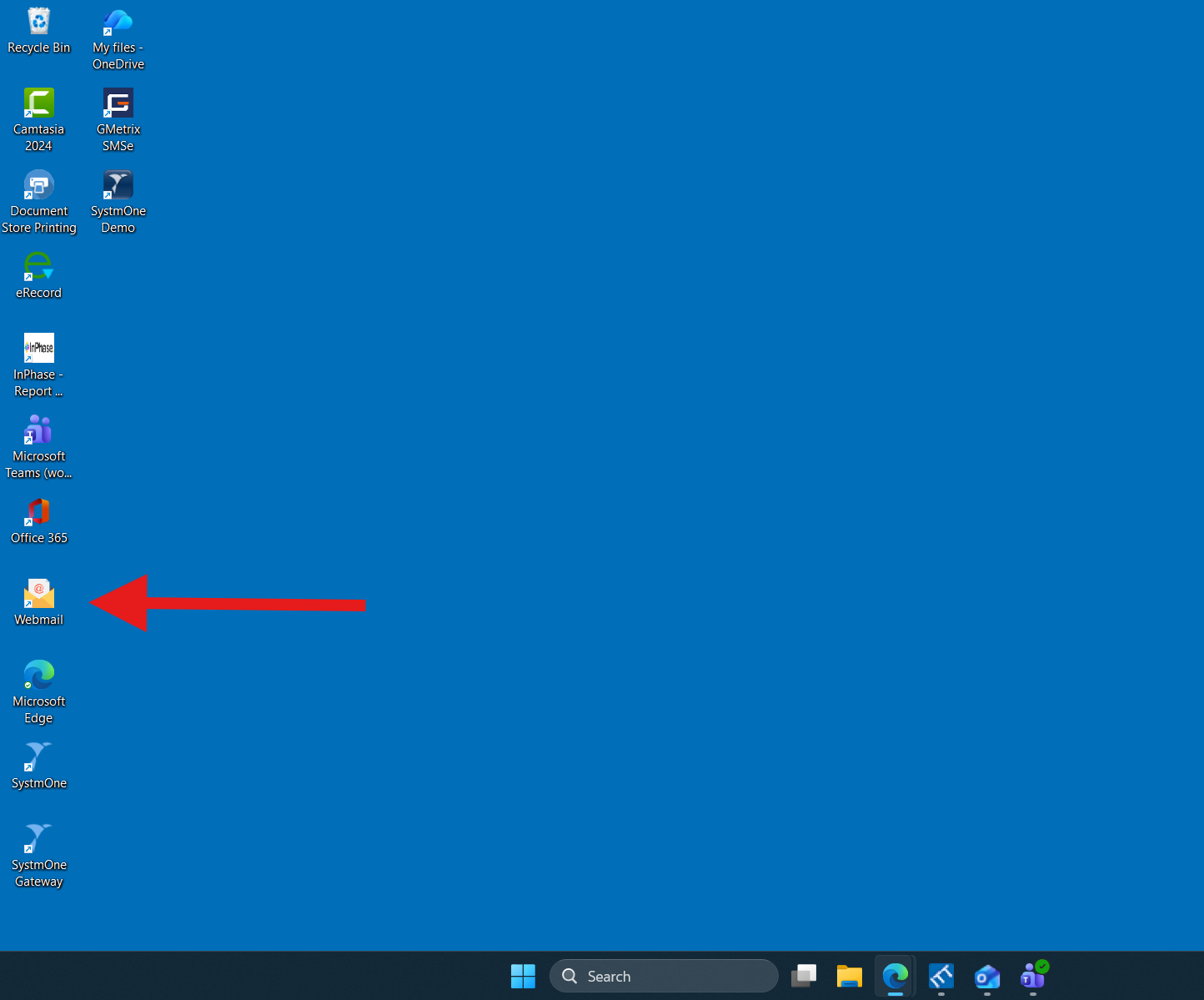
Alternatively, you should also be able to access your email using the “Webmail” desktop shortcut. If you double click on the image below, it will direct you to your email login page.
Use your email address and password to log in to your email. You can find this information in the “Email Login” section of your induction sheet.
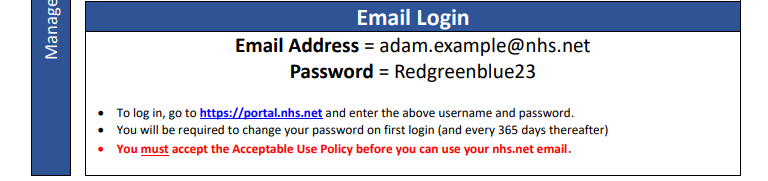
The first time you log in to your staff email, you will have to agree to the NUTH “Acceptable Use Policy”. This is a document describing what you can and can’t do on a trust computer and with trust data.
To agree to the policy, follow the links provided. Once you are at the policy, click “Sign in” in the top right corner of the page. Once you are signed in, you will be able to scroll to the bottom of the document and agree to the policy.